





Content Summary
As the digital landscape evolves, businesses are increasingly looking for ways to enhance their website performance and user experience. One approach that has gained traction is the implementation of headless WordPress. This strategy decouples the front end from the back end, allowing developers to utilize various technologies for the user interface while maintaining WordPress as the content management system (CMS). In this article, we will explore a practical implementation strategy for headless WordPress, providing clear steps to guide you through the process.
Understanding Headless WordPress
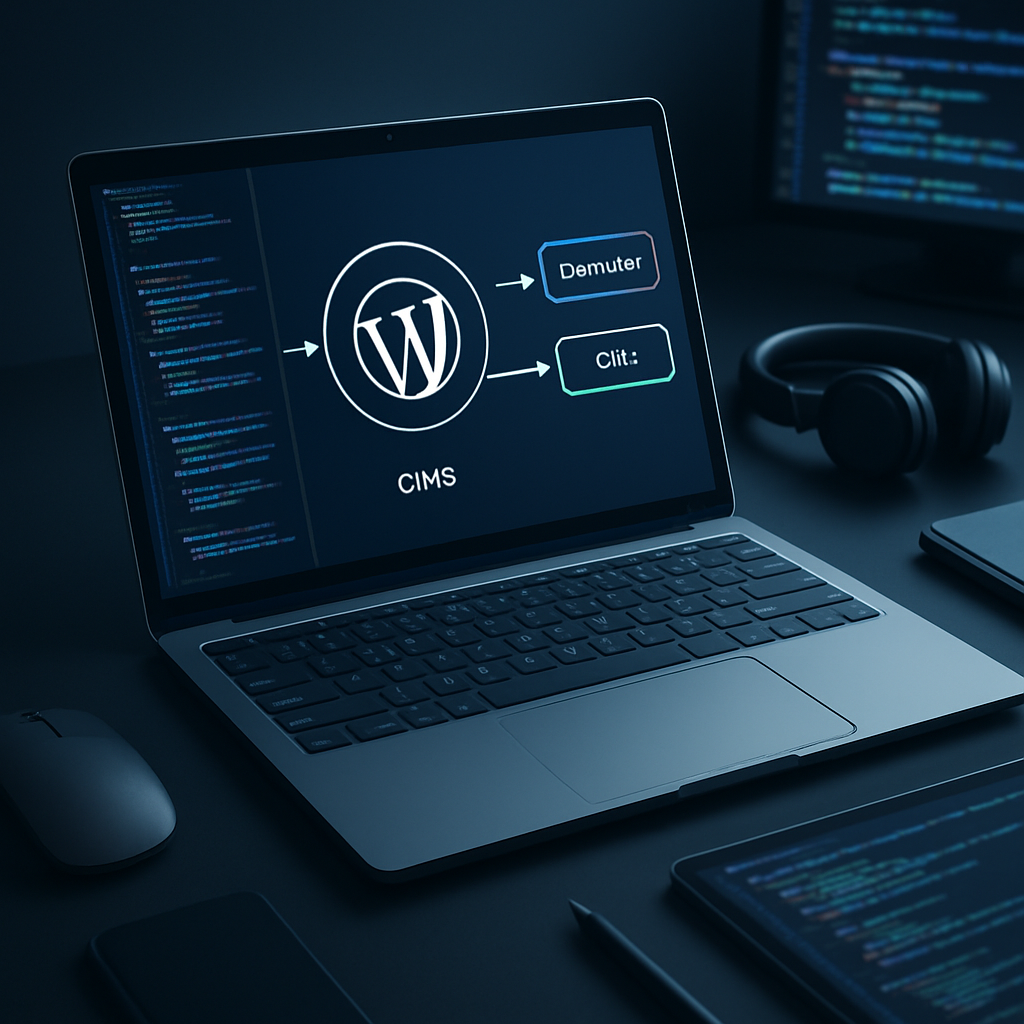
Before diving into the implementation steps, it’s essential to grasp what headless WordPress entails. In a traditional WordPress setup, the CMS handles both the back-end (content management) and the front-end (displaying content). In contrast, a headless setup allows developers to use WordPress solely as the back end, serving content via REST APIs or GraphQL to a separate front-end application built with modern JavaScript frameworks.
Benefits of Headless WordPress
- Performance: By decoupling the front end, you can optimize loading times and enhance user experience.
- Flexibility: Developers can choose the best technologies for the front end, enabling greater customization.
- Scalability: A headless architecture allows for easier scaling, as the front end can be independently optimized.
- Improved Security: Limiting access to the WordPress back end can reduce vulnerabilities.
Step-by-Step Implementation Strategy
Step 1: Assess Your Requirements
Before you start, identify the specific needs of your project. Consider factors such as:
- The type of content you’ll manage
- The expected volume of traffic
- The desired user experience
- Integration needs with other systems (e.g., eCommerce, CRM)
Step 2: Choose Your Tech Stack
Decide on the technologies you will use for the front end. Popular choices include:
- React: A widely used library for building user interfaces.
- Vue.js: An approachable framework for building UI components.
- Angular: A platform for building mobile and desktop web applications.
Step 3: Set Up Your WordPress Environment
Install WordPress on your server and configure it as you normally would. Ensure that you have:
- A suitable hosting environment (consider performance and scalability).
- Necessary plugins to extend functionality (e.g., JWT Authentication for REST API).
Step 4: Configure the REST API or GraphQL
WordPress comes with a built-in REST API, but you may want to enhance it or use GraphQL for better performance. For GraphQL, consider using plugins like WPGraphQL.
- Enable authentication if necessary, especially for secured content.
- Define custom endpoints if you need specific data structures.
Step 5: Build the Front End
Using the chosen technology from Step 2, start building the front end. Make sure to:
- Connect to the WordPress API to fetch content.
- Implement a state management solution if needed (e.g., Redux for React).
- Focus on responsive design for various devices.
Step 6: Optimize Performance
Performance is critical in a headless architecture. Consider implementing:
- Caching: Use caching mechanisms both on the server (e.g., Varnish) and client-side.
- CDN: Leverage a Content Delivery Network to serve static assets quickly.
- Lazy Loading: Implement lazy loading for images and components.
Step 7: Ensure Security
With the back end exposed via APIs, security becomes crucial. Implement the following practices:
- Use HTTPS for all communications.
- Implement strict authentication and authorization measures.
- Regularly update WordPress core, themes, and plugins.
FAQs
- What is headless WordPress?
- Headless WordPress separates the front end from the back end, using WordPress as a CMS while leveraging other technologies for the user interface.
- What are the advantages of a headless WordPress setup?
- Advantages include improved performance, flexibility in technology choice, better scalability, and enhanced security.
- Which front-end technologies are suitable for headless WordPress?
- Popular options include React, Vue.js, and Angular.
- How do I connect my front end to the WordPress back end?
- You can connect through the WordPress REST API or GraphQL endpoints.
- Is headless WordPress suitable for all types of websites?
- While it offers many benefits, it may not be necessary for smaller sites with simpler requirements.
- What are the security considerations for headless WordPress?
- Key considerations include using HTTPS, implementing strong authentication, and maintaining regular updates.
- How can I optimize the performance of a headless WordPress site?
- Utilize caching techniques, CDNs, and lazy loading to enhance performance.
- Can I still use traditional WordPress themes with a headless setup?
- Traditional themes are not used in headless setups, as the front end is managed separately.
Conclusion
Implementing a headless WordPress strategy can offer significant advantages in performance, flexibility, and security. By following the outlined steps, you can create a robust website that meets modern user expectations. As always, keep scalability and security at the forefront of your development process to ensure long-term success.









