





Content Summary
In an evolving digital landscape, many organizations are considering a headless WordPress approach to improve flexibility and performance. This article explores a strategic implementation of headless WordPress, illustrating the transition with a before-and-after optimization scenario.
Understanding Headless WordPress
Headless WordPress decouples the front-end presentation layer from the back-end content management system (CMS). This separation allows developers to utilize modern JavaScript frameworks to create dynamic, responsive interfaces while leveraging WordPress as a powerful content repository.
Benefits of Headless WordPress
- Increased Performance: By serving content via APIs, you can optimize loading times significantly.
- Enhanced User Experience: Front-end frameworks like React or Vue.js provide a more interactive and engaging user experience.
- Scalability: Headless architectures enable easier scaling to meet traffic demands without impacting back-end performance.
- Improved Security: Reducing the exposure of the WordPress back-end to the public can mitigate vulnerabilities.
- Flexibility in Design: Developers can freely choose the best tools for the front end without constraints from WordPress themes.
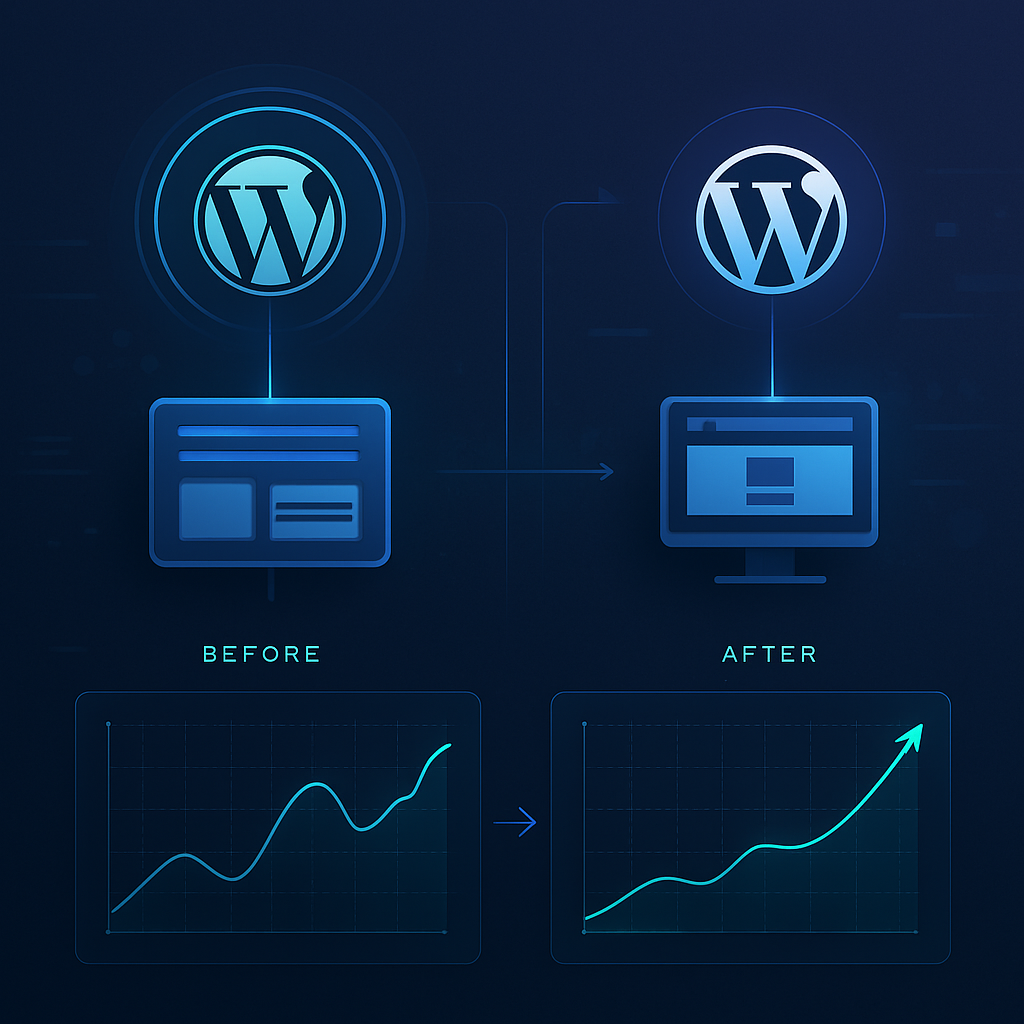
The Before/After Optimization Scenario
To illustrate the potential of a headless WordPress implementation, let’s consider a real-world example involving an e-commerce website that underwent a significant transformation.
Before Implementation
The original e-commerce site was running on a traditional WordPress architecture, which included:
- Average page load time: 4.5 seconds
- High bounce rate: 60%
- Server response time: 1.2 seconds
- Frequent plugin conflicts causing downtime
After Implementation
Following the transition to a headless WordPress setup, the results were remarkable:
- Average page load time: 1.2 seconds
- Bounce rate reduced to 30%
- Server response time improved to 200ms
- Elimination of plugin conflicts and downtime
The improved performance not only enhanced user experience but also contributed to increased sales and customer satisfaction.
Strategic Steps for Implementation
Transforming your WordPress site to a headless architecture requires careful planning. Here are the key steps to guide you through the process:
1. Assess Your Current Setup
Understand your current site’s structure, performance metrics, and user experience challenges. This assessment will help you identify the areas that need improvement.
2. Define Your Goals
Specify what you aim to achieve with a headless approach. Common goals include enhancing performance, improving scalability, or creating a more engaging user experience.
3. Choose the Right Technologies
Select the front-end technologies that align with your goals. Popular choices include:
- React: Offers a component-based architecture ideal for building dynamic interfaces.
- Vue.js: Known for its simplicity and progressive framework capabilities.
- Gatsby: Great for static site generation with integrated APIs.
4. Develop the Front End
Create the front-end application using your chosen technology. Ensure that it communicates with the WordPress back-end via REST API or GraphQL.
5. Optimize for Performance
Implement best practices for performance optimization, such as code splitting, lazy loading, and efficient caching strategies.
6. Test Thoroughly
Conduct extensive testing to identify any potential issues before going live. This includes functional, performance, and security testing.
7. Launch and Monitor
Deploy your new headless architecture and closely monitor its performance. Use analytics tools to track user behavior and make adjustments as necessary.
Frequently Asked Questions
- What is headless WordPress?
- Headless WordPress separates the front-end from the back-end, allowing developers to use modern frameworks for the user interface while managing content in WordPress.
- How does headless WordPress improve performance?
- By serving content through APIs, headless WordPress can significantly reduce page load times and enhance overall site performance.
- What technologies are commonly used with headless WordPress?
- Popular front-end technologies include React, Vue.js, and Gatsby, which allow for the creation of dynamic and responsive user interfaces.
- Is headless WordPress more secure than traditional WordPress?
- Yes, by decoupling the front-end from the back-end, you can reduce exposure to vulnerabilities associated with traditional WordPress setups.
- What are some challenges of implementing headless WordPress?
- Challenges include the need for more development resources, potential complexity in managing two separate systems, and initial setup time.
- Can I use existing WordPress plugins with headless WordPress?
- While many plugins can be used, some functionalities may need to be rebuilt in the front-end application, as traditional plugins often rely on the WordPress theme.
- How do I choose the right front-end technology?
- Consider factors like your team’s expertise, the specific functionalities you need, and the performance requirements of your project.
- What are the maintenance requirements for headless WordPress?
- Maintenance involves managing both the WordPress back-end and the front-end application, including updates, security patches, and performance monitoring.
Conclusion
Implementing a headless WordPress strategy can significantly enhance your website’s performance, user experience, and scalability. By following a structured approach and understanding the necessary technologies, you can navigate the transition smoothly. Start assessing your current setup and define your goals to embark on this transformative journey.









