





Content Summary
In the fast-paced world of web development, agencies are constantly challenged to deliver unique solutions that not only meet client needs but also support long-term growth. Custom plugin development in WordPress can be a game-changer for agency workflows, especially when designed with scalability and maintainability in mind. This article explores strategies for creating custom plugins that streamline processes while ensuring they remain efficient and easy to manage over time.
Understanding the Importance of Custom Plugin Development
Custom plugins allow agencies to tailor functionalities specific to client requirements, providing a competitive edge. However, the true power of custom plugins lies in their ability to adapt and scale with business growth. A well-architected custom plugin can evolve alongside your agency, accommodating new features, performance improvements, and security enhancements without requiring a complete overhaul.
Key Considerations for Scalable Plugin Development
When embarking on custom plugin development, consider the following key elements:
1. Modular Architecture
Designing plugins with a modular approach allows you to separate functionalities into distinct components. This makes it easier to:
- Update specific features without affecting others.
- Reuse components across different projects.
- Facilitate collaboration among multiple developers.
2. Adopting Coding Standards
Maintaining consistency in your codebase is crucial for long-term maintenance. Adopting established coding standards, such as the WordPress Coding Standards, ensures that:
- Your code is easily readable and understandable.
- New developers can quickly get up to speed.
- Potential bugs and security vulnerabilities are minimized.
3. Performance Optimization
Scalability is closely tied to performance. Incorporate best practices to optimize your plugin’s performance:
- Efficient Database Queries: Ensure your SQL queries are optimized to prevent slowdowns as data grows.
- Caching Mechanisms: Implement caching strategies to reduce server load and enhance speed.
- Minimizing External Requests: Limit reliance on external APIs where possible to avoid delays.
4. Security Best Practices
As your agency grows, so does the importance of security. Implement the following practices in your plugin development:
- Data Validation: Always validate and sanitize user inputs to protect against SQL injection.
- Use Nonces: Implement nonces to secure forms and prevent cross-site request forgery (CSRF).
- Regular Updates: Keep your plugin updated to address vulnerabilities and comply with WordPress core updates.
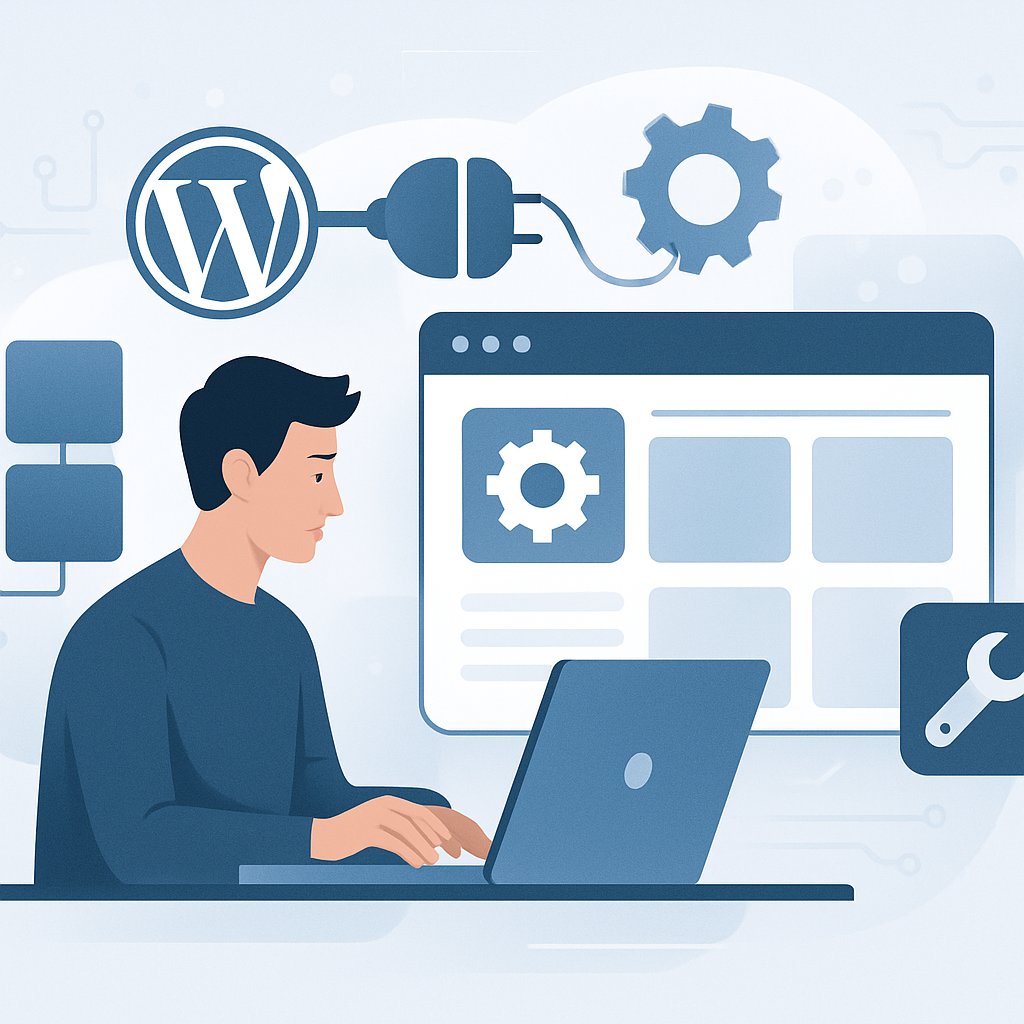
Implementing a Maintenance Strategy
A scalable plugin is not just built; it must be maintained. Here are steps to establish a robust maintenance strategy:
1. Version Control
Utilize version control systems like Git to track changes, manage different versions of your codebase, and facilitate collaboration among team members.
2. Documentation
Maintain comprehensive documentation for both usage and code. This should include:
- Setup instructions
- Feature descriptions
- Code comments
3. Regular Testing
Implement automated testing for your plugin to catch issues early. This includes:
- Unit tests for individual components
- Integration tests to ensure components work together
- User acceptance tests to validate functionality against requirements
4. User Feedback Loop
Incorporate a feedback mechanism for users to report bugs or suggest improvements. This can guide your development roadmap and enhance user satisfaction.
Conclusion
Custom plugin development can significantly enhance agency workflows, especially when approached with scalability and long-term maintenance in mind. By adopting a modular architecture, adhering to coding standards, optimizing performance, and implementing a solid maintenance strategy, agencies can create efficient solutions that grow alongside their clients’ needs. Start today by assessing your current workflows and identifying areas where custom plugins could streamline operations, ultimately leading to greater efficiency and profitability.
Frequently Asked Questions
- What are the benefits of using custom plugins in WordPress?
- Custom plugins provide tailored functionalities that meet specific client needs, enhancing user experience and providing a competitive edge.
- How can I ensure my custom plugins are scalable?
- Use a modular architecture, follow coding standards, optimize performance, and regularly update your plugins.
- What security measures should I take when developing plugins?
- Validate and sanitize inputs, use nonces, and keep the plugin updated to protect against vulnerabilities.
- How often should I update my custom plugins?
- Regular updates should be made in accordance with WordPress core updates and whenever security vulnerabilities are discovered.
- What role does documentation play in plugin maintenance?
- Documentation aids in understanding usage and code, making it easier for new developers to contribute and for existing ones to maintain the plugin.









