





Content Summary
As a seasoned WordPress developer, managing the maintenance of multiple client sites can often feel overwhelming. Automating WordPress maintenance tasks not only enhances efficiency but also ensures that you can scale your services without compromising on quality. In this article, we will explore effective strategies for automating WordPress maintenance across numerous client websites, focusing on scalability and long-term sustainability.
The Importance of Automation in WordPress Maintenance
Automating maintenance tasks in WordPress is essential for several reasons:
- Time Efficiency: Automation reduces the manual workload, allowing developers to focus on higher-value tasks.
- Consistency: Automated processes ensure that maintenance tasks are performed uniformly across all sites.
- Scalability: By implementing automated solutions, you can manage more client sites without the need for proportional increases in resources.
- Reduced Risk of Human Error: Automation minimizes the potential for mistakes that may occur during manual updates or backups.
Key Maintenance Tasks to Automate
Before diving into automation tools, let’s identify the core maintenance tasks that can be automated:
- Updates: Core, plugin, and theme updates are critical for security and performance.
- Backups: Regular backups are vital for data recovery and site integrity.
- Security Scans: Automated security scans can identify vulnerabilities and threats proactively.
- Performance Monitoring: Keeping track of site performance metrics helps in identifying issues before they escalate.
- Database Cleanup: Regular optimization of the database improves site speed and efficiency.
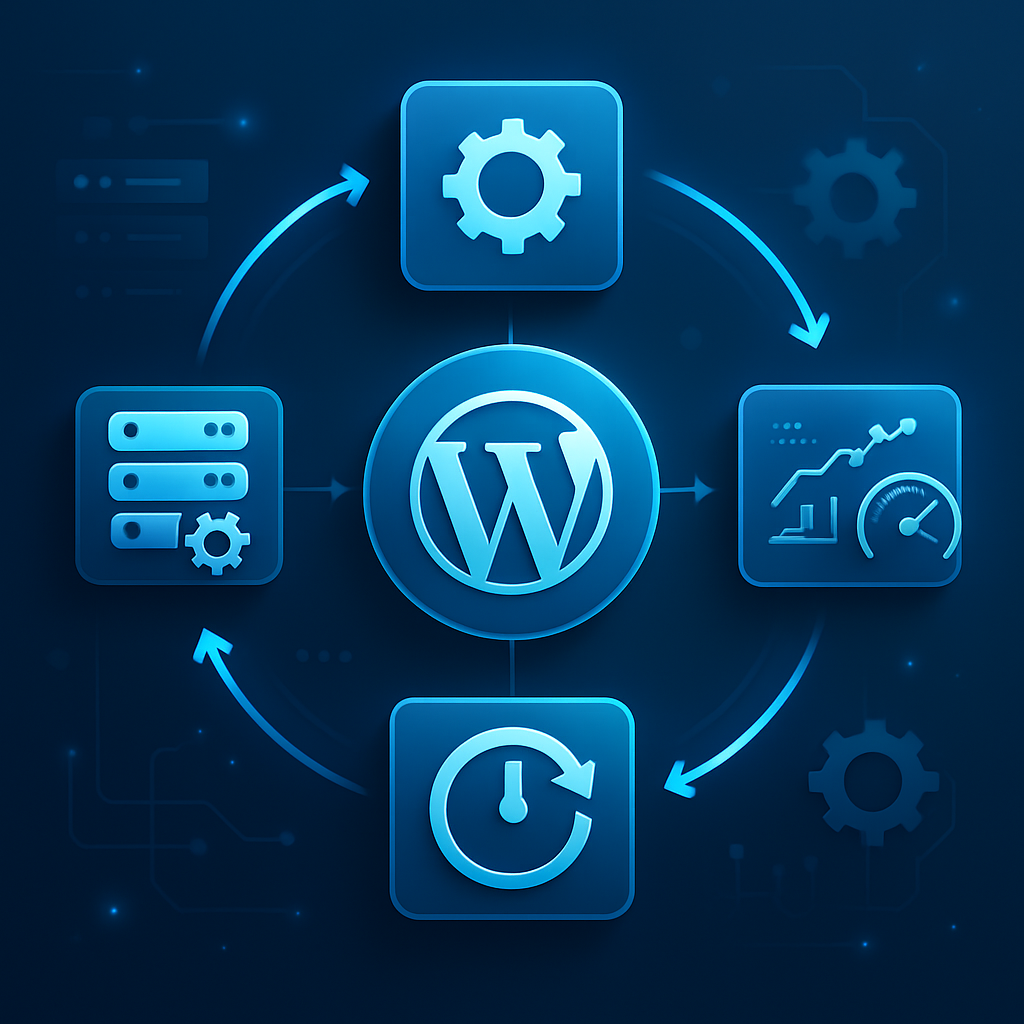
Choosing the Right Tools for Automation
Several tools and plugins can help automate WordPress maintenance effectively. Here’s a look at some of the most popular options:
1. ManageWP
ManageWP is a powerful dashboard that allows you to manage multiple WordPress sites from a single interface. Key features include:
- Automated backups and updates
- Performance checks and uptime monitoring
- One-click restores
- Client reporting tools
2. MainWP
MainWP is a free, open-source solution that can scale with your needs. It provides:
- Centralized management for updates and backups
- Security checks and malware scanning
- Customizable client reports
3. InfiniteWP
Ideal for agencies managing numerous sites, InfiniteWP offers:
- Bulk updates for themes and plugins
- Automated backups and restores
- Client management features
4. WP-CLI
For developers comfortable with command-line interfaces, WP-CLI provides a powerful tool for automating maintenance tasks via scripts. Benefits include:
- Customizable commands for updates and backups
- Integration with cron jobs for scheduling
Implementing a Maintenance Schedule
Once you have selected the right tools, it’s crucial to establish a maintenance schedule:
- Daily: Security scans and performance monitoring.
- Weekly: Plugin and theme updates; database optimization.
- Monthly: Full site backups and detailed performance reports.
- Quarterly: Review of the overall site health, including security audits and long-term performance trends.
Advantages and Disadvantages of Automation
While automating WordPress maintenance has significant advantages, it also comes with potential drawbacks:
| Advantages | Disadvantages |
|---|---|
| Increased efficiency | Initial setup can require time and resources |
| Consistent updates | Automated updates may lead to compatibility issues |
| Proactive security measures | Over-reliance on automation may overlook unique issues |
Best Practices for Long-term Maintenance Automation
To ensure your automated maintenance processes remain effective over the long term, consider the following best practices:
- Regularly review and update your automation tools and processes.
- Maintain a clear documentation of all automated tasks for troubleshooting and staff training.
- Stay informed about new security vulnerabilities and trends in WordPress maintenance.
- Conduct periodic audits of automated tasks to ensure they are functioning as intended.
FAQ
- What are the primary benefits of automating WordPress maintenance?
- Automating maintenance tasks enhances efficiency, consistency, and scalability while reducing the risk of human error.
- Can I automate updates for all plugins and themes?
- Yes, but it is advisable to test updates in a staging environment first to avoid compatibility issues.
- How often should I back up my WordPress site?
- A full backup should be performed at least once a week, with daily backups recommended for high-traffic sites.
- What happens if an automated update causes a site to break?
- Most automation tools allow for one-click restores to revert to the previous version of your site.
- Is it necessary to monitor site performance if I automate maintenance?
- Yes, automated performance monitoring helps identify issues that automation may not address.
Conclusion
Automating WordPress maintenance for multiple client sites is not just a luxury; it is a necessity for scalable, efficient, and effective service delivery. By implementing the right tools and processes, you can ensure that your clients’ sites remain secure, updated, and performing optimally. Embrace automation to streamline your workflow and focus on what you do best—creating exceptional WordPress experiences.









