





Content Summary
In the ever-evolving digital landscape, security is no longer a luxury but a necessity for marketing agencies leveraging WordPress. As custodians of client data and digital assets, agencies must proactively implement security hardening measures to protect their websites against potential threats. This article explores the best practices for hardening WordPress security, focusing on the specific business impacts for marketing agencies.
Understanding the Importance of WordPress Security
WordPress powers over 40% of all websites globally, making it a lucrative target for hackers. For marketing agencies, a compromised site can lead to devastating consequences, including:
- Data Breaches: Client data exposure can damage reputations and lead to legal repercussions.
- Downtime: Cyberattacks can cause extended downtime, affecting client campaigns and trust.
- Loss of Revenue: Security incidents can lead to immediate financial losses and long-term impacts on client retention.
Top Security Hardening Best Practices
1. Keep Everything Updated
Regularly updating WordPress core, themes, and plugins is crucial. Each update often includes security patches that protect against known vulnerabilities. Setting up automated updates can streamline this process.
2. Use Strong Passwords and Two-Factor Authentication
Encourage the use of complex passwords and implement two-factor authentication (2FA) for all user accounts, especially those with administrative privileges. This adds an extra layer of security against unauthorized access.
3. Limit Login Attempts
By limiting login attempts, agencies can prevent brute force attacks. Many security plugins offer this feature, allowing you to set thresholds for failed login attempts.
4. Implement a Web Application Firewall (WAF)
A WAF can monitor and filter traffic to your site, blocking malicious requests before they reach your WordPress installation. This proactive measure significantly enhances security.
5. Regular Backups
Establish a routine backup schedule for your WordPress site. Backups ensure that even in the event of a security breach, you can quickly restore your site to its previous state. Store backups offsite for added security.
6. Disable Directory Listing
Prevent unauthorized users from viewing the contents of your directories by disabling directory listing in your .htaccess file. This simple step can limit exposure of sensitive files.
7. Implement Security Headers
Utilizing security headers like Content Security Policy (CSP) and X-XSS-Protection can help mitigate security risks by instructing browsers on how to behave when encountering certain types of content.
8. Regular Security Audits
Conducting regular security audits can help identify vulnerabilities before they are exploited. Utilize both automated tools and manual inspections to ensure comprehensive coverage.
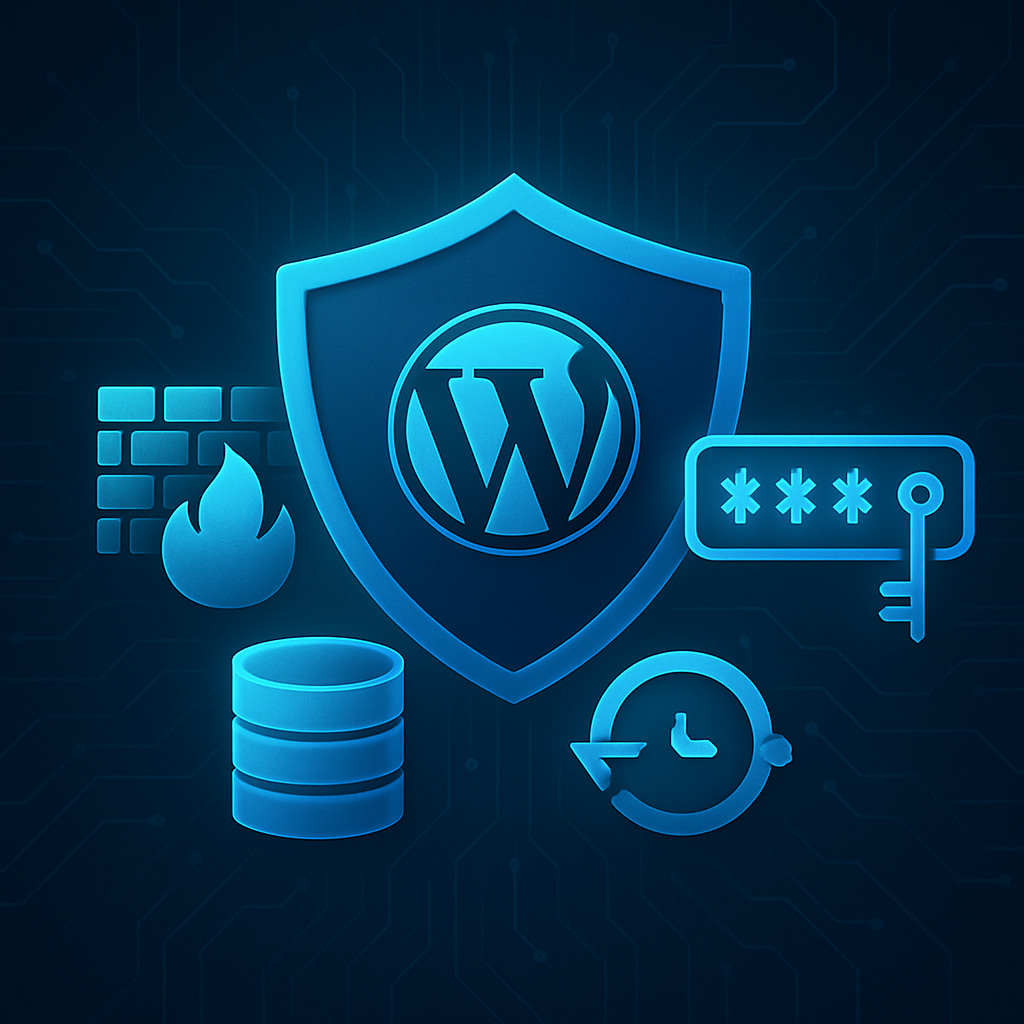
Business Impact for Marketing Agencies
Implementing these security measures not only protects agency assets but also enhances client trust and satisfaction. A secure website can be a unique selling proposition, giving agencies an edge over competitors. Additionally, demonstrating a commitment to security can lead to:
- Enhanced Reputation: A reputation for robust security practices can attract more clients.
- Increased Client Retention: Clients are more likely to remain loyal to agencies that prioritize their security.
- Reduced Risk of Financial Loss: Effective security reduces the likelihood of costly incidents.
Frequently Asked Questions
- What is WordPress security hardening?
- WordPress security hardening involves implementing various practices and measures to enhance the security of a WordPress site, protecting it against threats and vulnerabilities.
- How often should I update my WordPress site?
- You should update your WordPress core, themes, and plugins as soon as updates are available, or set up automated updates to ensure your site is always protected.
- What is two-factor authentication and why is it important?
- Two-factor authentication (2FA) adds an extra layer of security by requiring users to provide two forms of identification before accessing their accounts, making it harder for unauthorized users to gain access.
- How can I back up my WordPress site?
- You can use plugins such as UpdraftPlus or BackupBuddy to create regular backups of your site, or utilize your hosting provider’s backup solutions.
- What are security headers?
- Security headers are HTTP response headers that help protect your site by instructing browsers on how to handle content, mitigating risks like cross-site scripting (XSS).
- Why are regular security audits important?
- Regular security audits help identify vulnerabilities in your site, allowing you to address them before they can be exploited by malicious actors.
- What is a web application firewall (WAF)?
- A web application firewall (WAF) is a security measure that filters and monitors HTTP traffic between a web application and the internet, blocking malicious requests.
- How can I limit login attempts on my WordPress site?
- You can limit login attempts by installing a security plugin that offers this feature, such as Wordfence or iThemes Security.
Conclusion
Securing a WordPress site is an ongoing process that requires vigilance and proactive measures. By adopting these best practices, marketing agencies can not only protect their own assets but also build trust with clients, ultimately enhancing their business reputation and bottom line. Remember, investing in security today can save significant costs and headaches in the future.









