





Content Summary
As the digital landscape continues to evolve, businesses are increasingly seeking innovative solutions to enhance their online presence. One such approach is the implementation of a headless WordPress architecture. This strategy decouples the front-end and back-end of a WordPress site, allowing for greater flexibility, improved performance, and enhanced scalability. However, to fully capitalize on these advantages, a well-thought-out implementation strategy is essential.
Understanding Headless WordPress
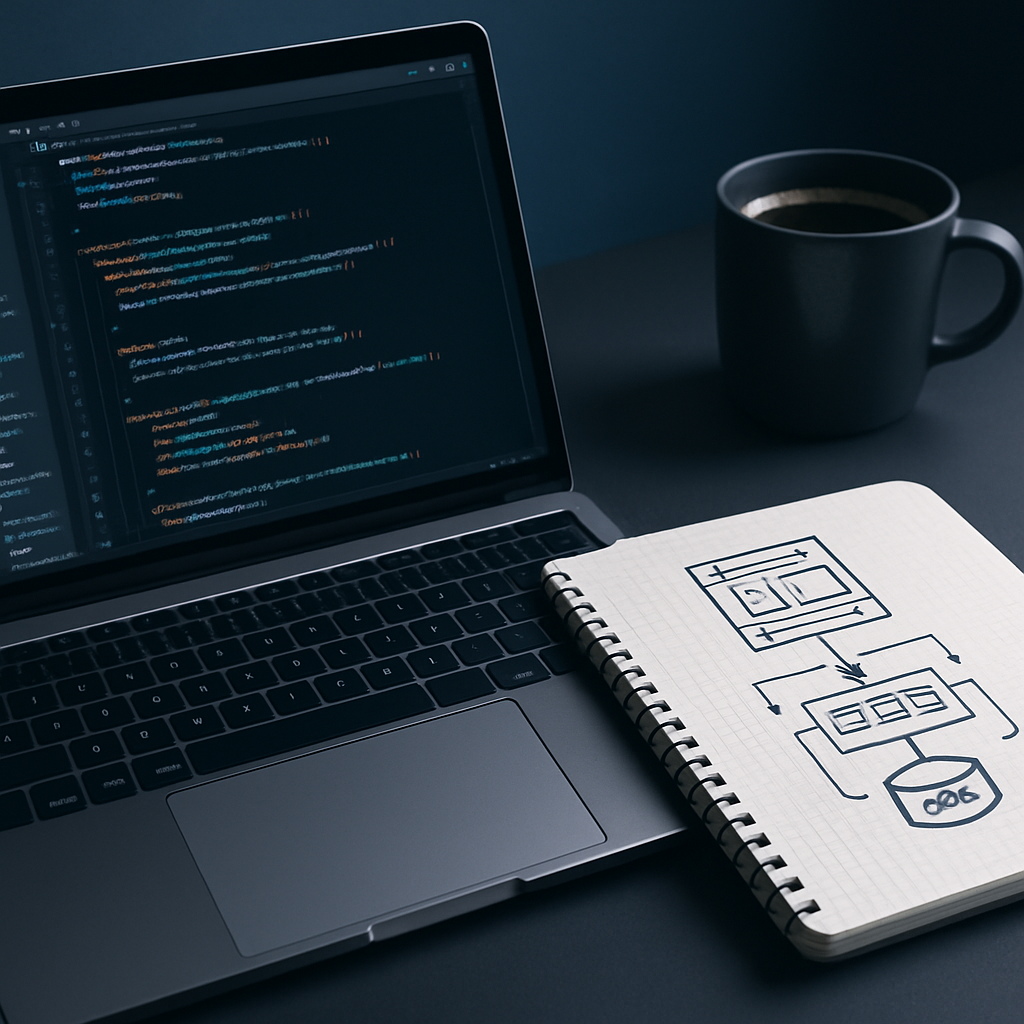
Headless WordPress refers to using WordPress solely as a content management system (CMS) without being tied to its default front-end. In a headless setup, the back-end (where content is created and managed) is separated from the front-end (the user interface). This separation allows developers to use modern front-end technologies, such as React, Vue.js, or Angular, for building the user interface while utilizing the robust capabilities of WordPress for content management.
Benefits of Headless WordPress
- Scalability: A headless architecture allows for better scalability as the front-end can be optimized independently of the back-end.
- Performance: By using modern frameworks, developers can create faster, more responsive user interfaces.
- Flexibility: Developers are free to choose the technologies and frameworks that best meet project requirements.
- Enhanced Security: Isolating the front-end from the back-end can reduce vulnerabilities in the system.
Strategic Implementation Steps
To successfully implement a headless WordPress architecture, consider the following strategic steps:
1. Assess Your Needs
Before diving into a headless implementation, assess your organization’s specific needs. Determine if your site requires enhanced performance, scalability, or flexibility. Understanding your goals will guide the entire process.
2. Choose the Right Technology Stack
Select a modern front-end framework that aligns with your team’s expertise and project requirements. Popular choices include:
- React: Widely used and supported, ideal for building dynamic user interfaces.
- Vue.js: Known for its simplicity and flexibility, great for smaller projects.
- Angular: A robust framework for larger, enterprise-level applications.
3. Plan Your API Integration
In a headless setup, the communication between the front-end and back-end occurs via APIs. Utilize the WordPress REST API or GraphQL for seamless data retrieval. Ensure that your API endpoints are well-structured to minimize response times and optimize performance.
4. Optimize Content Delivery
Consider implementing a content delivery network (CDN) to enhance the delivery speed of your static assets. This approach can significantly reduce latency and improve user experience.
5. Focus on SEO and Performance
Ensure that your front-end implementation is optimized for search engines. Use proper tagging, structured data, and fast loading speeds to enhance your site’s visibility. Additionally, employ performance monitoring tools to track and improve your site’s performance continuously.
6. Establish a Maintenance Plan
A headless architecture requires ongoing maintenance to ensure security and performance. Regularly update your WordPress core, plugins, and front-end frameworks. Establish a schedule for performance audits and security checks.
7. Train Your Team
Invest in training for your development and content management teams. Ensure that they are familiar with the new technologies and practices associated with a headless architecture.
Challenges and Considerations
While the benefits of headless WordPress are substantial, there are challenges to consider:
- Increased Complexity: A headless architecture introduces additional complexity to the development process.
- Higher Initial Costs: The initial setup and development may require a higher investment than traditional WordPress implementations.
- Need for Technical Expertise: Your team must possess or acquire the necessary skills in modern front-end technologies.
Conclusion
Implementing a headless WordPress architecture can provide significant advantages in terms of scalability, performance, and flexibility. By carefully assessing your needs, choosing the right technology stack, and planning for ongoing maintenance, you can ensure a successful transition to a headless setup. While challenges exist, the long-term benefits make it a compelling choice for organizations looking to future-proof their online presence.
Frequently Asked Questions
- What is headless WordPress?
- Headless WordPress is a setup where WordPress is used solely as a content management system, separating the back-end from the front-end for greater flexibility and performance.
- What are the benefits of a headless architecture?
- Benefits include improved scalability, performance, flexibility, and enhanced security by decoupling the front-end from the back-end.
- What technologies can be used for the front-end in a headless setup?
- Popular choices include React, Vue.js, and Angular, each suited for different types of projects.
- How important is API integration in a headless WordPress setup?
- API integration is crucial as it facilitates communication between the front-end and back-end, enabling seamless data retrieval and interaction.
- What maintenance is required for a headless WordPress site?
- Regular updates, performance audits, security checks, and training for teams are necessary to maintain a headless WordPress site effectively.
- Is a headless WordPress architecture more expensive?
- While the initial setup may be costlier due to increased complexity and required expertise, the long-term benefits can justify the investment.
- Can I switch to headless WordPress from a traditional setup?
- Yes, transitioning from a traditional setup to a headless architecture is possible, but it requires careful planning and implementation.









