





Content Summary
Implementing a headless WordPress architecture can transform how you manage content delivery and user experience. With headless WordPress, the front-end and back-end are decoupled, allowing developers to use modern JavaScript frameworks to create dynamic, responsive, and engaging interfaces. This article explores a strategic implementation approach, along with a technical checklist to ensure a smooth transition.
Understanding Headless WordPress
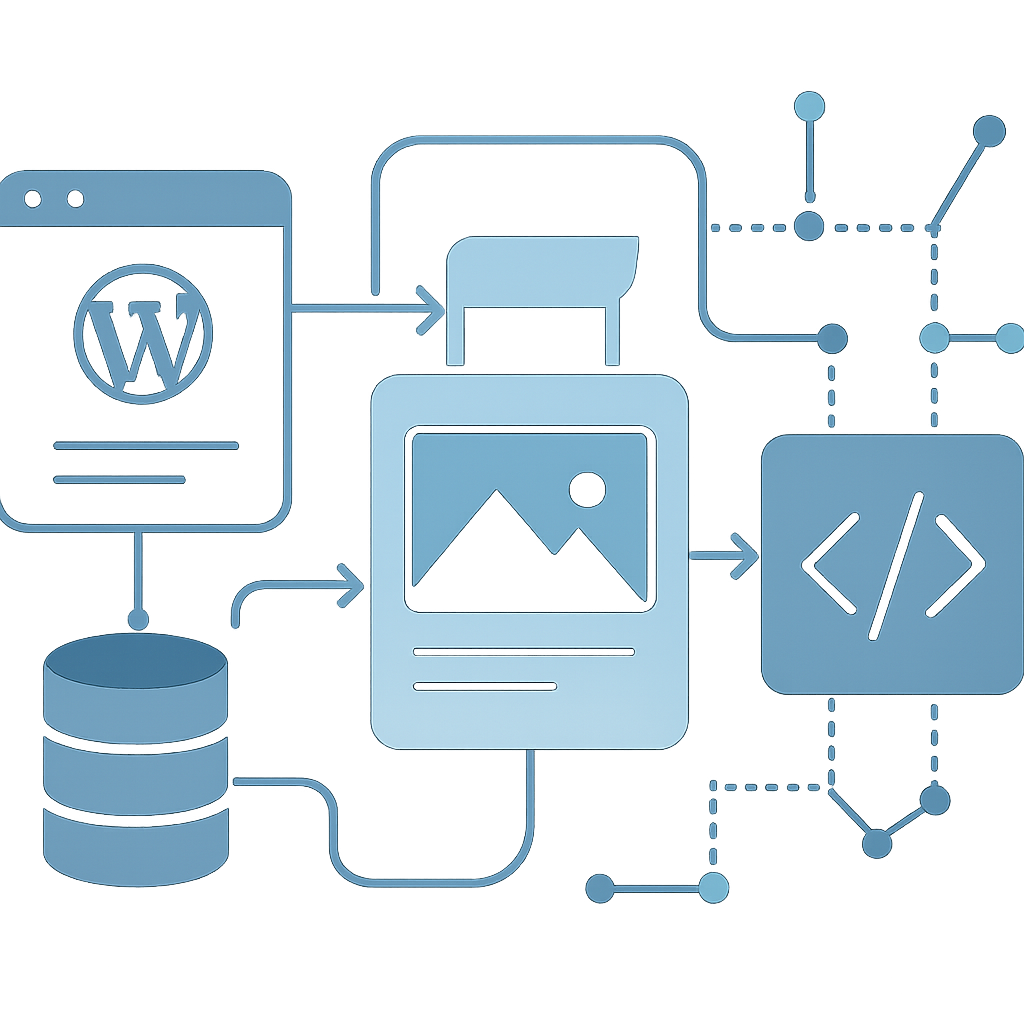
In a traditional WordPress setup, the front-end and back-end are tightly integrated. However, in a headless environment, WordPress serves solely as a content management system (CMS), while the presentation layer is handled by a separate application, often built with frameworks like React, Vue, or Angular. This separation offers several advantages:
- Performance: By serving content via APIs, you can optimize loading times and improve overall performance.
- Flexibility: You can choose the best tools and frameworks for your front-end development, enhancing user experience.
- Scalability: A decoupled architecture allows for easier scaling of both the front-end and back-end independently.
- Security: With the front-end separated, you can reduce the attack surface of your WordPress installation.
Key Considerations for Headless Implementation
Before diving into the technical aspects, it’s essential to establish a clear strategy. Here are the critical considerations:
1. Define Your Content Strategy
Assess your content types and how they will be accessed. Consider the following:
- What types of content will you manage (posts, pages, custom post types)?
- How will the front-end application consume this content?
- Will you need to implement custom APIs to manage specific content needs?
2. Choose Your Front-End Framework
Your choice of front-end technology will significantly affect performance and user experience. Popular choices include:
- React: Excellent for building dynamic user interfaces.
- Vue: Lightweight and highly adaptable for various projects.
- Angular: A robust option for large-scale applications.
3. Plan for API Integration
WordPress provides a REST API out of the box, but you might need additional integration for custom functionalities. Evaluate:
- Will the existing REST API meet your needs?
- Do you need to create custom endpoints for specific content?
4. User Authentication and Security
Implementing security measures is crucial in a headless setup. Consider:
- How will users authenticate (JWT, OAuth)?
- What security measures will you put in place to protect your API endpoints?
5. Performance Optimization
Headless WordPress can offer exceptional performance, but optimization is still necessary. Focus on:
- Caching strategies (both server-side and client-side).
- Image optimization techniques to reduce load times.
- Minification of CSS and JavaScript files.
Technical Checklist for Implementation
Here’s a lightweight technical checklist to guide you through your headless WordPress implementation:
- Set up WordPress as a headless CMS.
- Choose and configure your front-end framework.
- Evaluate the existing REST API and create custom endpoints as necessary.
- Implement authentication mechanisms for secure access to your API.
- Establish caching strategies for both the API and front-end.
- Optimize media files and static resources.
- Test performance metrics regularly to ensure optimal user experience.
- Maintain security practices, including regular updates and monitoring.
FAQs
- What is headless WordPress?
- Headless WordPress refers to a setup where WordPress is used solely as a content management system, with the front-end delivered through other technologies, typically via APIs.
- What are the benefits of using a headless architecture?
- Benefits include improved performance, flexibility in choosing front-end technologies, easier scalability, and enhanced security by reducing the attack surface.
- Can I still use WordPress themes with a headless setup?
- No, traditional WordPress themes are not used in a headless setup. Instead, you’ll rely on front-end frameworks to build your user interface.
- Is headless WordPress suitable for all websites?
- While headless WordPress offers many advantages, it may not be necessary for simpler websites where traditional WordPress suffices.
- How does SEO work with headless WordPress?
- SEO practices remain crucial, but you will need to ensure that your front-end framework is optimized for search engines, including proper handling of metadata and structured data.
Conclusion
Implementing a headless WordPress strategy offers numerous advantages, from enhanced performance to greater flexibility. By following a structured approach and adhering to the technical checklist provided, you can ensure a smooth transition to a headless architecture. As with any significant change, careful planning and execution are vital to achieving the desired outcomes.









