





Content Summary
As the digital landscape evolves, many organizations are exploring headless WordPress as a way to decouple the content management from the presentation layer. This approach offers a modern, flexible architecture for delivering content across various platforms and devices. But how do you effectively implement a headless WordPress strategy? This guide provides a structured approach to implementing headless WordPress, complete with actionable insights and a technical checklist.
Understanding Headless WordPress
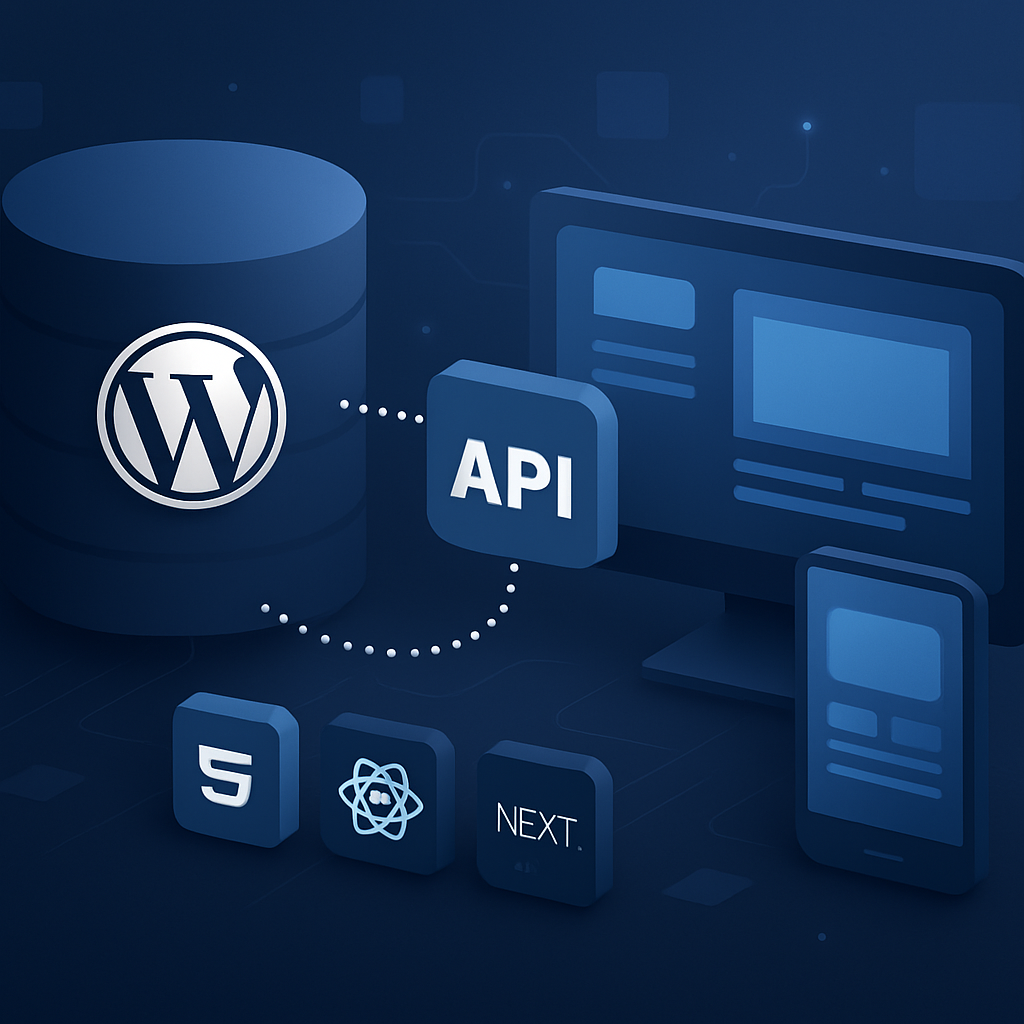
Headless WordPress refers to using WordPress purely as a content management system (CMS) without relying on its traditional frontend. Instead, you utilize APIs to serve content to any frontend technology, such as React, Vue.js, or Angular. This separation offers significant advantages, such as improved performance, enhanced security, and greater developer flexibility.
Advantages of Headless WordPress
- Performance: Decoupling allows for faster load times and a more responsive user experience.
- Scalability: You can scale your frontend independently of your backend, accommodating traffic spikes effortlessly.
- Security: Reducing the attack surface by not exposing WordPress to the public can improve security.
- Flexibility: Choose any technology stack for your frontend, enabling the use of modern frameworks.
- Multi-channel delivery: Serve content across various platforms, such as mobile apps, IoT devices, and more.
Implementing a Headless WordPress Strategy
To implement headless WordPress effectively, follow these key steps:
1. Define Your Goals
Understand what you aim to achieve with a headless architecture. Are you focusing on performance, multi-channel distribution, or perhaps enhanced user experience? Clear goals will guide your implementation strategy.
2. Choose Your Frontend Technology
Select a frontend framework that aligns with your team’s expertise and your project requirements. Popular choices include:
- React: Offers a component-based architecture and is ideal for dynamic applications.
- Vue.js: Known for its ease of integration and flexibility.
- Angular: Suitable for larger applications requiring a robust structure.
3. Set Up WordPress as a Headless CMS
Configure your WordPress installation to act as a headless CMS:
- Install and configure the WP REST API or GraphQL plugin for content delivery.
- Ensure your content types are well defined and structured for easy retrieval.
- Utilize custom post types and taxonomies as necessary to organize your content.
4. Develop Your Frontend Application
Using your chosen frontend framework, develop your application to request data from your WordPress backend via APIs. Ensure your application:
- Handles authentication and permissions for secure data access.
- Implements caching strategies to enhance performance.
- Utilizes a responsive design for optimal user experience across devices.
5. Optimize for Performance
Focus on performance optimization techniques, including:
- Minifying JavaScript and CSS files.
- Implementing lazy loading for images and components.
- Employing a content delivery network (CDN) for faster content delivery.
6. Test and Iterate
Before launch, conduct thorough testing:
- Perform usability testing to ensure a seamless user experience.
- Test for performance using tools like Lighthouse or WebPageTest.
- Gather feedback and iterate based on user interactions and analytics.
Technical Checklist for Headless WordPress Implementation
| Task | Status |
|---|---|
| Define project goals | [ ] |
| Choose frontend framework | [ ] |
| Install WP REST API or GraphQL | [ ] |
| Set up custom post types and taxonomies | [ ] |
| Develop frontend application | [ ] |
| Implement authentication | [ ] |
| Optimize performance | [ ] |
| Conduct testing | [ ] |
| Gather feedback and iterate | [ ] |
Frequently Asked Questions
- What is the primary benefit of using headless WordPress?
- The main advantage is the separation of the backend and frontend, allowing for improved performance, security, and flexibility in choosing technologies.
- Can I still use WordPress themes with a headless setup?
- No, headless WordPress does not utilize traditional themes since the frontend is built independently. However, you can style your frontend using CSS frameworks.
- Is headless WordPress suitable for all types of websites?
- While it offers many benefits, it’s best suited for larger, more complex projects that require high performance and flexibility. For simpler sites, traditional WordPress may suffice.
- How does headless WordPress impact SEO?
- If implemented correctly, headless WordPress can maintain or improve SEO by ensuring fast load times and optimizing site structure. However, care must be taken with URL management and metadata.
- What are the potential downsides of a headless approach?
- Headless WordPress can require more development resources and expertise, potentially leading to higher costs and longer development times. Additionally, it may complicate content editing for non-technical users.
Conclusion
Implementing a headless WordPress strategy can significantly enhance your website’s performance and flexibility. By following the steps outlined above and utilizing the technical checklist, you can set a solid foundation for a successful headless architecture. This approach not only positions your content for the modern web but also prepares your organization for future growth and scalability.









