





Content Summary
As the digital landscape evolves, many organizations are considering a headless WordPress architecture to deliver content across multiple platforms seamlessly. This approach decouples the front end from the back end, enabling developers to use modern frameworks and technologies while still leveraging WordPress as a content management system (CMS). In this article, we will explore practical implementation steps for adopting a headless WordPress strategy.
Understanding Headless WordPress
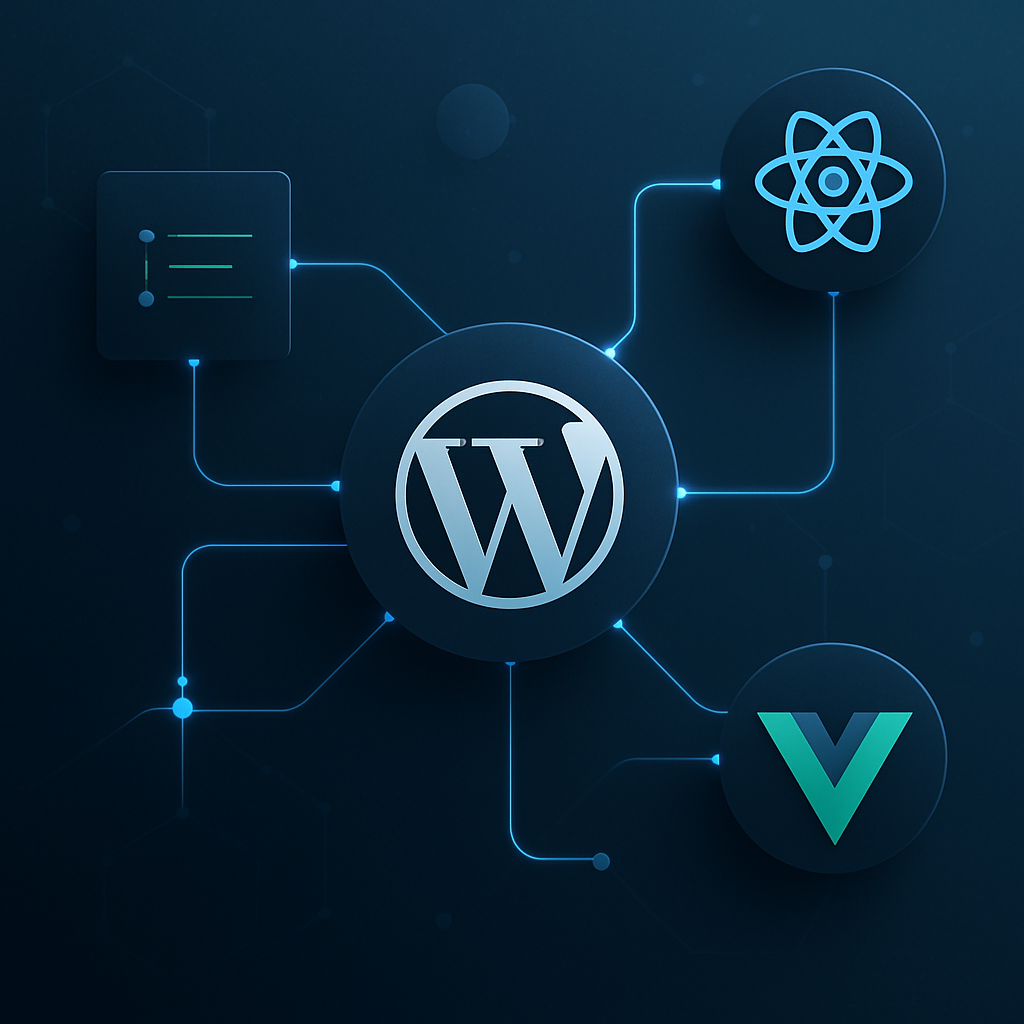
Headless WordPress separates the content management from the presentation layer. While traditional WordPress serves both roles, in a headless configuration, the WordPress back end manages content, and the front end utilizes APIs to fetch and display that content. This allows for greater flexibility, performance, and the ability to use various front-end technologies such as React, Vue.js, or Angular.
Benefits of a Headless WordPress Implementation
- Improved Performance: Front-end frameworks often provide faster loading times compared to traditional WordPress themes.
- Flexibility: Developers can choose the technologies that best fit their project requirements.
- Scalability: A headless architecture can better manage heavy traffic loads by distributing requests across multiple servers.
- Enhanced User Experience: Rich, interactive experiences can be built without the constraints of standard WordPress themes.
Step-by-Step Implementation Strategy
Step 1: Define Your Objectives
Before diving into implementation, clarify the reasons for adopting a headless approach. Are you aiming for improved performance, better user experience, or the need to deliver content across multiple platforms? Having clear objectives will guide your decisions throughout the process.
Step 2: Choose Your Front-End Technology
Select a front-end framework that aligns with your team’s skillset and project needs. Popular choices include:
- React: Great for building dynamic user interfaces.
- Vue.js: Known for its simplicity and flexibility.
- Angular: Best suited for large-scale applications.
Step 3: Set Up Your WordPress Back End
Install WordPress on your server as usual. Ensure the following:
- Install the WP REST API plugin if using an older version of WordPress (though it’s included in core since version 4.7).
- Manage user permissions to secure API access.
- Organize your content types (posts, pages, custom post types) to facilitate easy API calls.
Step 4: Build Your Front-End Application
Using your chosen framework, create a front-end application that communicates with the WordPress back end through APIs. Consider the following:
- Use fetch or Axios to retrieve data from WordPress.
- Implement caching strategies to improve performance.
- Utilize state management libraries (like Redux for React) to manage application state efficiently.
Step 5: Connect the Front End to WordPress
Integrate the front end with WordPress by making API calls. Ensure you handle:
- Authentication (using OAuth or JWT for secure access).
- Data fetching and error handling.
- Status updates on the front end based on API responses.
Step 6: Optimize for Performance and SEO
Even in a headless setup, SEO remains crucial. Implement the following:
- Server-side rendering (SSR) where possible for better SEO indexing.
- Use meta tags and structured data in your HTML.
- Optimize images and resources to reduce loading times.
Step 7: Monitor and Maintain Your Architecture
Regularly monitor both your WordPress back end and front-end application for performance and security. Consider:
- Using tools like Google Lighthouse for performance audits.
- Implementing a robust backup strategy for your WordPress instance.
- Regularly updating WordPress and front-end dependencies.
Challenges and Considerations
While a headless architecture offers numerous advantages, it also comes with challenges:
- Complexity: Managing a decoupled system can be more complicated than a traditional setup.
- Development Time: Building a custom front end requires more development resources.
- SEO Challenges: Ensuring proper indexing and visibility can require additional strategies.
Frequently Asked Questions
- What is headless WordPress?
- Headless WordPress is an architecture where WordPress is used solely as a content management system, while the front end is built using separate technologies and frameworks that fetch content via APIs.
- Why should I consider a headless approach?
- A headless approach allows for improved performance, flexibility in technology choices, and scalability for handling high traffic.
- What front-end frameworks can I use with headless WordPress?
- You can use frameworks like React, Vue.js, or Angular, depending on your project needs and team expertise.
- Is SEO still important in a headless setup?
- Yes, SEO remains critical; you must implement strategies to ensure your content is indexed correctly.
- What are some common challenges with headless WordPress?
- Challenges include increased complexity, longer development times, and potential SEO issues that need careful management.
- Can I use plugins with headless WordPress?
- Yes, you can use most WordPress plugins for content management, but be mindful that some plugins may not function as expected in a headless environment.
- How do I ensure security in a headless WordPress setup?
- Implement secure authentication methods, regularly update WordPress and your front-end technology, and maintain strict user permissions.
- What maintenance is required for headless WordPress?
- Regular updates, performance monitoring, and backups are essential for maintaining a healthy headless WordPress architecture.
Conclusion
Implementing a headless WordPress architecture can be a transformative strategy for businesses looking to enhance their digital presence. By following the outlined steps, you can effectively leverage the strengths of WordPress while taking advantage of modern front-end technologies. As with any significant change, careful planning, execution, and ongoing maintenance are key to success.









