Content Summary
Every WordPress website has unique goals. While existing plugins cover many common features, sometimes you need something fully customized — something built specifically for your project’s logic, workflow, or creative idea.
That’s where custom WordPress plugin development comes in.
I build plugins that extend WordPress beyond its default capabilities, adding the exact features you need — from advanced integrations with external APIs to complex automation and custom Gutenberg blocks.
If your project also involves creating a custom WordPress theme, I covered that in a previous article:
➡️ Custom WordPress Theme Development: From Design to Fully Functional Website
Why Choose a Custom WordPress Plugin
There are over 60,000 plugins available in the WordPress repository, but not all of them are lightweight, secure, or flexible enough for professional use.
A custom-built plugin ensures:
- Only the required functionality — no extra bloat or unnecessary features.
- Better performance and security, as the code is fully controlled.
- Perfect integration with your theme and existing plugin stack.
- Scalability — easy to extend and maintain over time.
- Custom branding — ideal for agencies or businesses that need a white-label solution.
With a custom plugin, it’s possible to design both the functionality and the user interface according to your project’s workflow.
How I Develop Custom WordPress Plugins
Every plugin starts with a problem to solve or a process to automate. Here’s the typical development process I follow:
1. Understanding the Requirement
I start by discussing the exact functionality the client wants — whether it’s an integration, automation, dashboard, or a creative idea that requires a custom feature.
2. Planning the Structure
Each plugin is organized using object-oriented PHP, following WordPress coding standards. I plan hooks, shortcodes, REST API endpoints, and admin options before writing any code to ensure maintainability.
3. Development Phase
The plugin is built step by step, usually including:
- Custom post types and taxonomies (if needed)
- Admin settings pages with WordPress UI elements
- Gutenberg block registration (if it adds visual components)
- Security best practices (nonces, sanitization, escaping)
- Compatibility with caching and SEO plugins
4. Testing and Documentation
Each plugin is tested in staging environments, with clear documentation for future updates. I ensure compatibility with major WordPress versions and PHP environments.

Examples of Custom WordPress Plugins

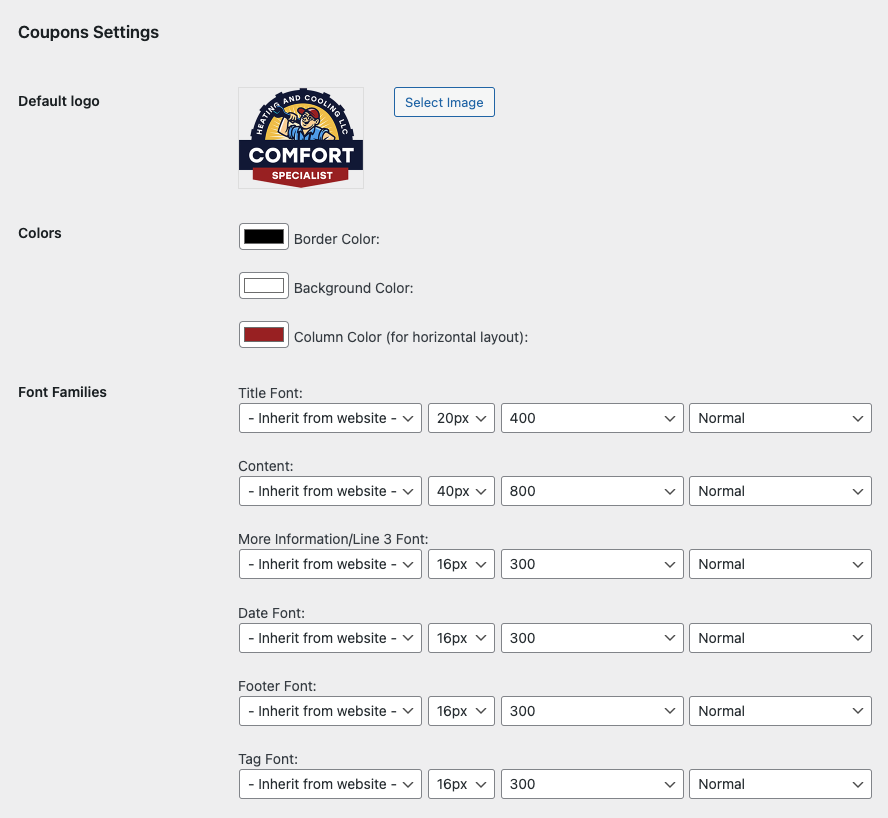
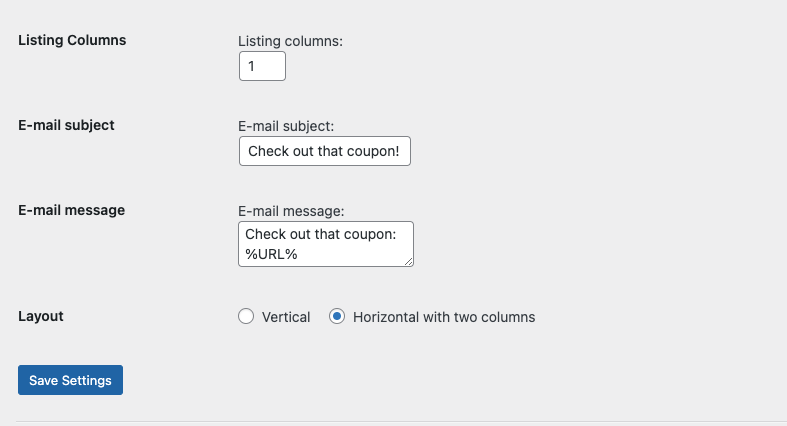
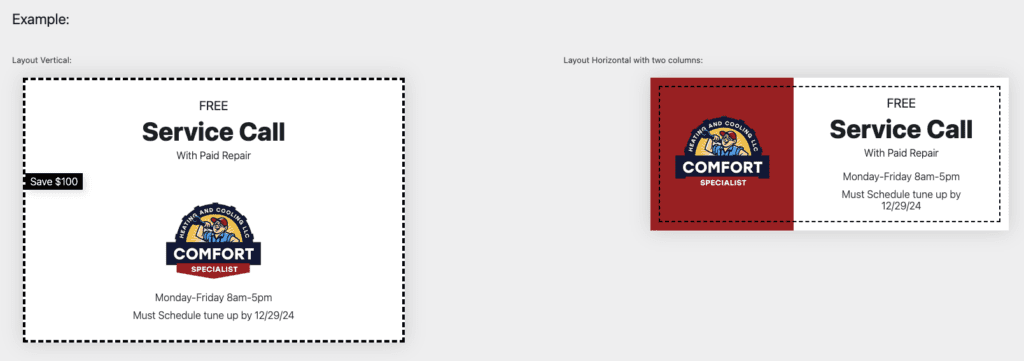
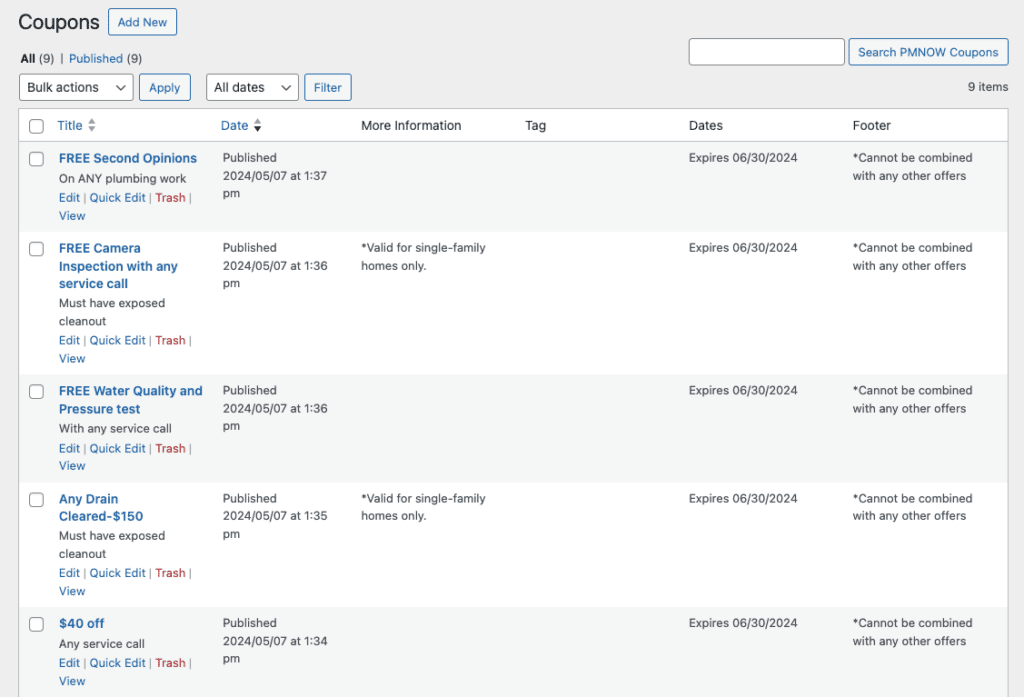
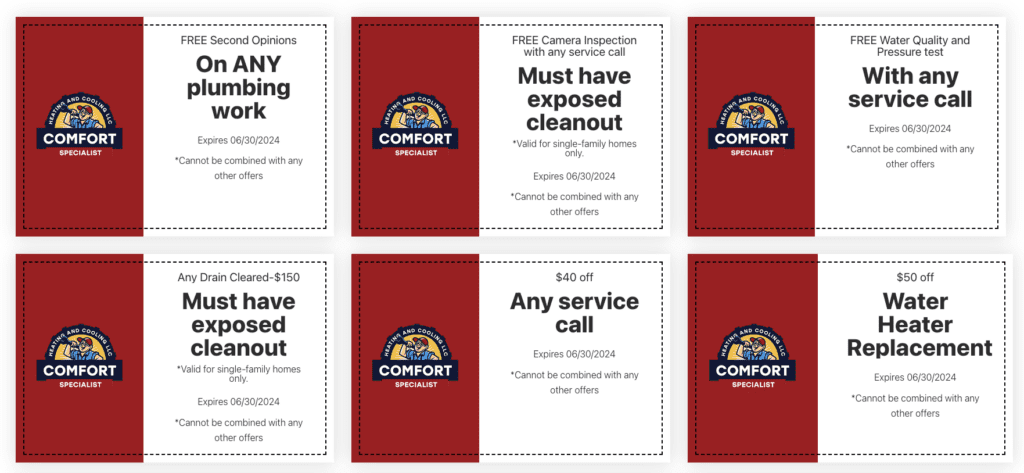
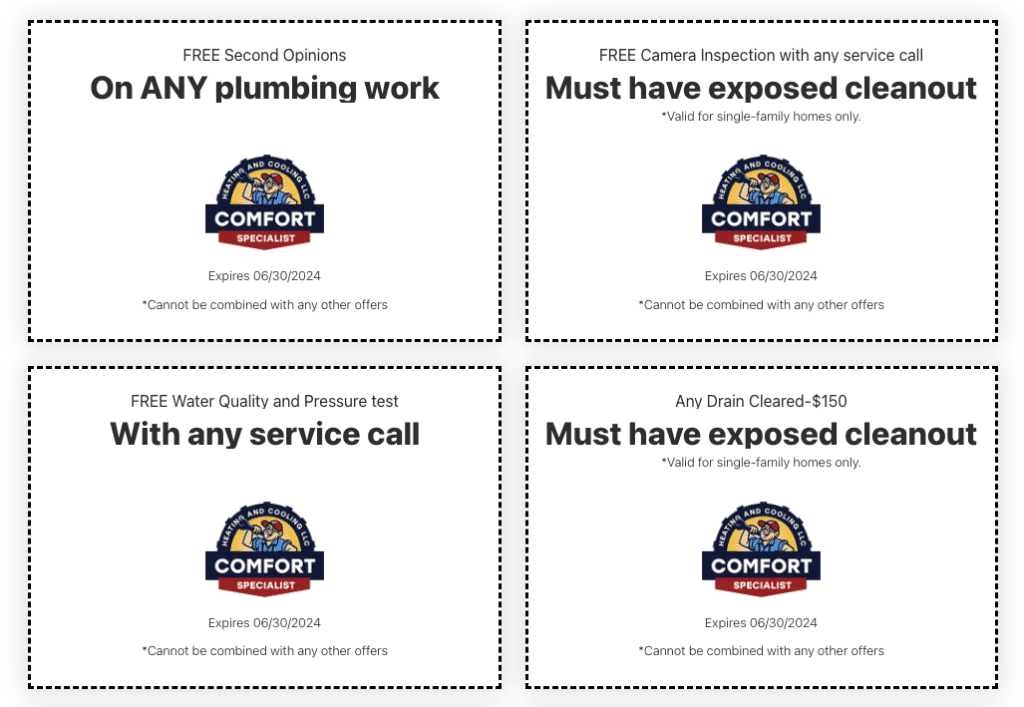
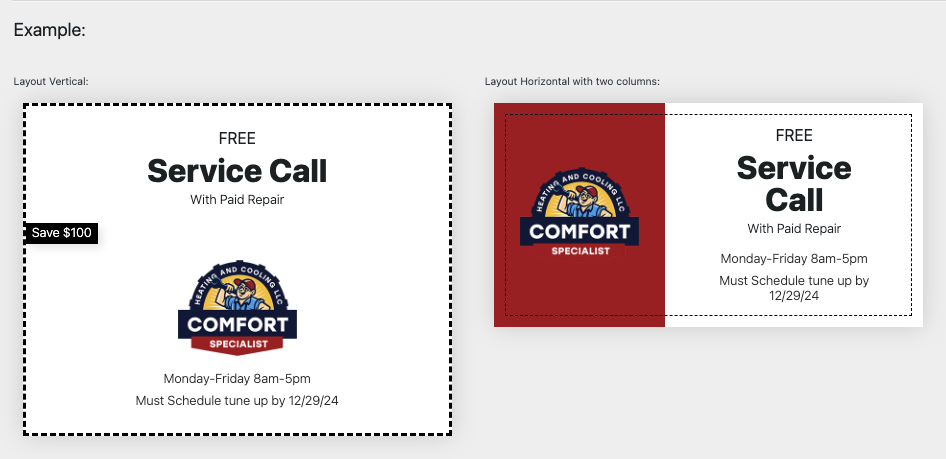

Here are some examples of custom plugins I’ve developed:
- Coupons Plugin – Adds a new custom post type for marketing offers, with custom colors, typography, and templates.
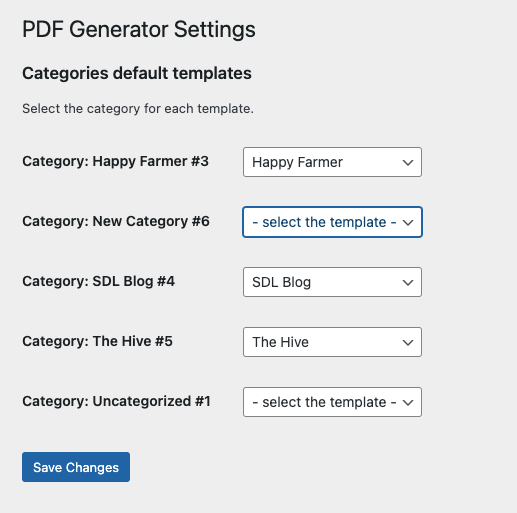
- Post to PDF Plugin – Converts posts to downloadable PDF files with different templates and branding options.
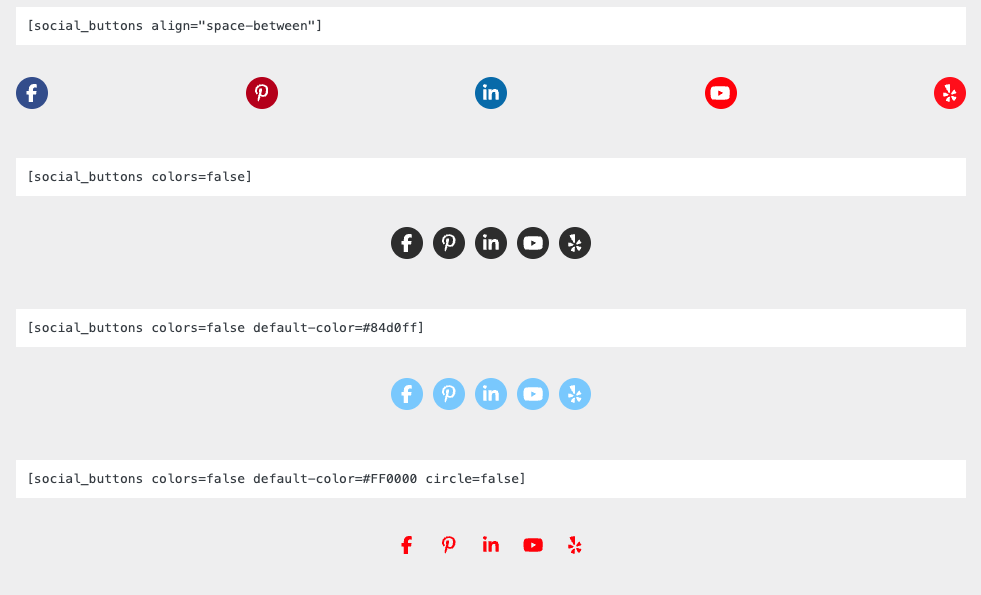
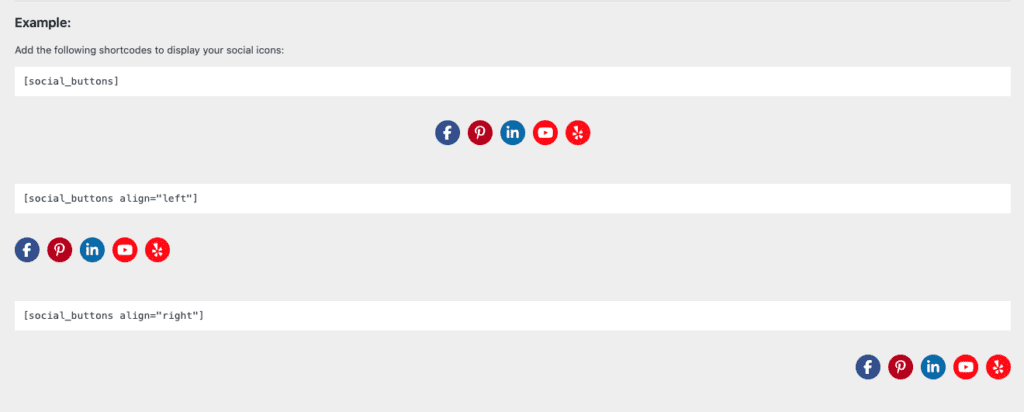
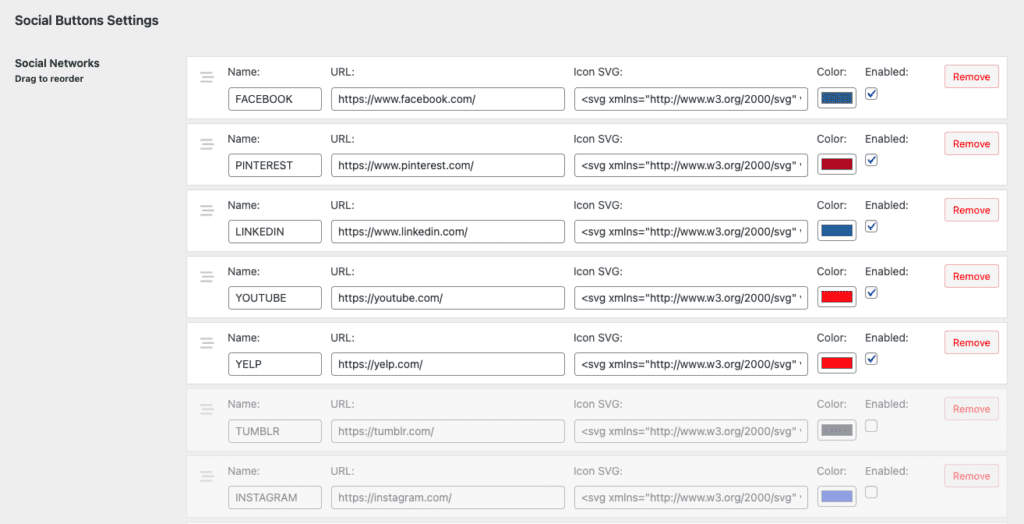
- Social Buttons Plugin – Allows inserting unlimited social icons via shortcode, with click tracking and analytics.
- Integration Plugins – Connect WordPress with tools like HubSpot, Kit.com, or proprietary CRMs.
Each project is coded from scratch, ensuring clean performance and easy customization.
Technologies and Best Practices
All plugins I create follow WordPress best practices and modern PHP standards.
Typical stack includes:
- Languages: PHP, JavaScript, HTML, CSS
- Standards: WordPress Coding Standards (PHPCS)
- Security: Proper sanitization, escaping, and nonce verification
- Performance: Lazy loading, caching, and lightweight scripts
- Compatibility: Tested with popular plugins (Yoast SEO, WooCommerce, ACF, etc.)
Whenever a project requires Gutenberg integration, I also use React-based development to build custom blocks directly within the plugin.
Integrations and APIs
Many businesses need to connect WordPress with external systems — CRMs, marketing tools, or data sources.
I build API-based plugins that securely send and retrieve data from services like:
- HubSpot (form submission and contact sync)
- Kit.com (email and subscription forms)
- Google APIs (Analytics, Sheets, Maps, etc.)
- Payment Gateways (Stripe, PayPal, custom gateways)
These integrations can automate workflows and save hours of manual work.
Security and Maintenance
Security is a critical aspect of plugin development.
Each plugin includes:
- Input validation and sanitization.
- Nonce verification for all form submissions.
- Role-based access control to protect admin features.
- Automatic versioning for easy updates.
I also provide long-term maintenance options — ensuring plugins remain compatible with WordPress core updates and PHP version changes.
Working with Agencies and Custom Projects
Agencies often require specific functionality across multiple client sites. I develop white-label plugins that can be rebranded or reused on different projects while maintaining quality and flexibility.
Each plugin is:
- Lightweight and fully documented.
- Version-controlled via GitHub.
- Compatible with CI/CD pipelines for automated deployments.
I also adapt to agency workflows — using Slack for communication, ClickUp or Jira for tracking, and Git-based version control for all projects.
Conclusion
A custom WordPress plugin can turn a simple idea into a powerful feature that enhances your website’s capabilities.
Whether it’s a complete system integration, marketing automation, or unique functionality that no existing plugin offers, I can create it from scratch — with performance, scalability, and maintainability in mind.
If you’re also interested in how I build themes from scratch, check out my related article:
➡️ Custom WordPress Theme Development: From Design to Fully Functional Website