





Content Summary
In the rapidly evolving digital landscape, the need for dynamic, scalable, and efficient web solutions has never been more pressing. Headless WordPress offers a unique approach that separates the front end from the back end, allowing developers to create highly customized user experiences while leveraging WordPress’s robust content management capabilities. This article explores a strategic implementation strategy for headless WordPress, focusing on scalability and long-term maintenance.
Understanding Headless WordPress
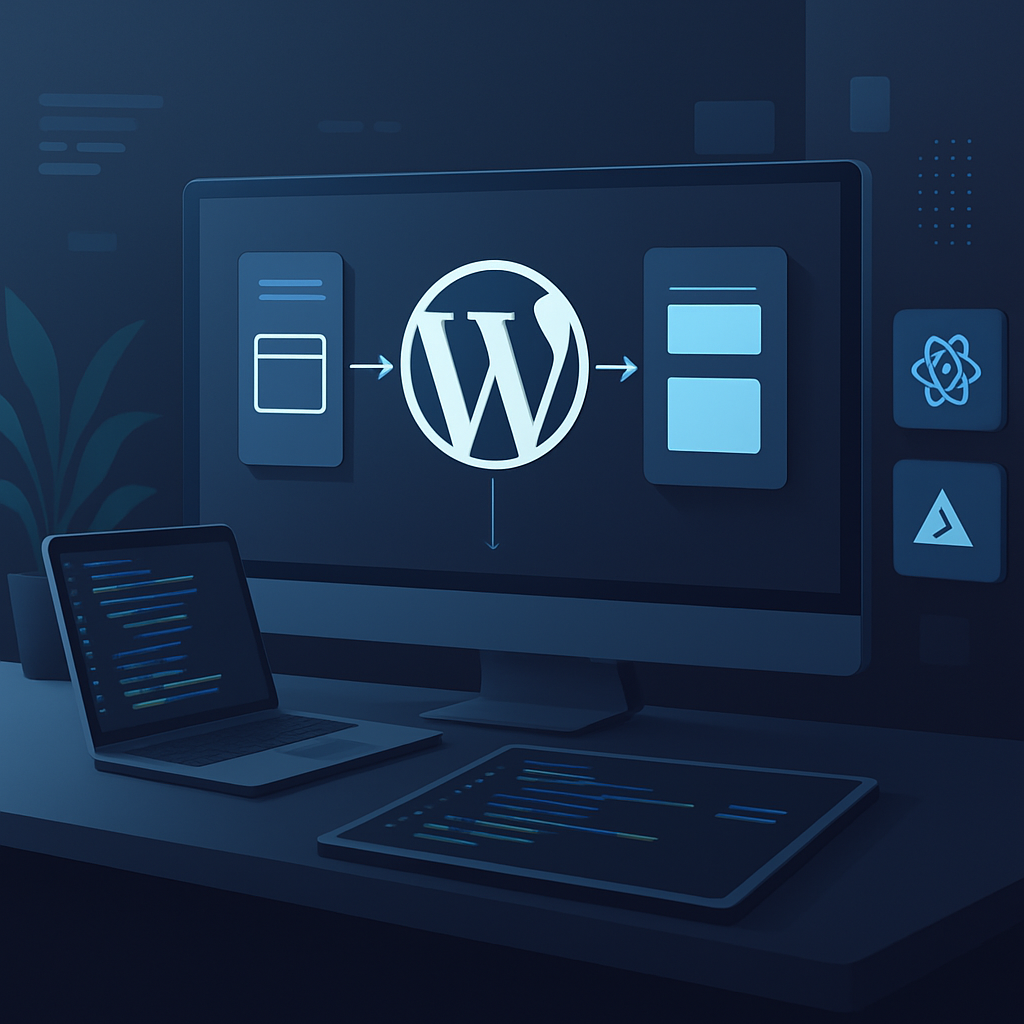
Headless WordPress refers to the decoupling of the WordPress back end from the front end. This architecture allows developers to use WordPress solely as a content repository while rendering the front end using modern JavaScript frameworks, such as React, Vue, or Angular. This separation provides numerous advantages, particularly in terms of performance, flexibility, and scalability.
Benefits of Headless WordPress
- Performance: By using a front end that can be optimized independently, websites can achieve faster load times and improved user experiences.
- Flexibility: Developers can leverage modern frameworks and tools, allowing for innovative user interfaces and functionality that traditional WordPress themes may not support.
- Scalability: Headless architecture enables websites to scale effectively by distributing the load across various services, reducing the risk of server overload during peak traffic times.
- Security: Decoupling the front end reduces exposure to attacks, as the WordPress admin interface is not directly accessible from the public web.
Implementation Strategy
To successfully implement a headless WordPress architecture, consider the following strategic steps:
1. Define Your Goals
Before diving into the technical details, clarify the objectives of adopting a headless approach. Are you looking to improve performance, enhance user experience, or prepare for a significant increase in traffic? Defining clear goals will guide your decisions throughout the implementation process.
2. Choose the Right Tech Stack
Select a modern front-end framework that aligns with your team’s expertise and project requirements. Popular choices include:
- React: Ideal for creating dynamic user interfaces and single-page applications.
- Vue.js: Perfect for progressive web applications and offers flexibility in integration.
- Angular: A robust choice for enterprise-level applications requiring strong architecture.
3. Set Up WordPress as a Headless CMS
Configure your WordPress installation to function purely as a content management system. This involves:
- Enabling the REST API, which allows the front end to communicate with WordPress.
- Utilizing custom post types and taxonomies to organize content effectively.
- Implementing caching strategies to optimize API responses and reduce server load.
4. Build the Front End
Develop the front end using your chosen framework. Consider the following best practices:
- Adopt a component-based approach for reusability and maintainability.
- Utilize state management libraries (like Redux or Vuex) for efficient data handling.
- Ensure responsive design to accommodate various devices and screen sizes.
5. Integrate and Deploy
Once the front end and back end are developed, integration is crucial. Use tools like:
- Webpack: For bundling your JavaScript files and optimizing assets.
- Netlify or Vercel: For deploying your front-end application with continuous integration capabilities.
Long-Term Maintenance Considerations
Implementing a headless WordPress architecture is not a one-off task. Consider the following for long-term maintenance:
- Regular Updates: Keep WordPress, plugins, and your front-end framework updated to minimize security vulnerabilities.
- Monitoring: Implement performance monitoring tools to track API response times and front-end performance.
- Documentation: Maintain thorough documentation for both the back end and front end to facilitate easier updates and onboarding for new developers.
Conclusion
Headless WordPress offers a powerful solution for businesses looking to enhance performance, scalability, and flexibility in their web applications. By following a strategic implementation approach and prioritizing long-term maintenance, organizations can maximize their investment and ensure a robust online presence that can adapt to future needs.
Frequently Asked Questions
- What is headless WordPress?
- Headless WordPress is a setup where the front end is decoupled from the back end, allowing developers to use WordPress solely as a content management system while utilizing modern frameworks for the front end.
- What are the advantages of using a headless approach?
- Advantages include improved performance, enhanced flexibility for front-end development, better scalability, and increased security.
- Which front-end frameworks are recommended for headless WordPress?
- Popular frameworks include React, Vue.js, and Angular, each offering unique benefits based on project requirements.
- How do I ensure long-term maintenance of a headless WordPress site?
- Regular updates, performance monitoring, and thorough documentation are essential for long-term maintenance.
- Is headless WordPress suitable for all types of websites?
- While it offers many benefits, headless WordPress is particularly advantageous for sites that require high performance, scalability, and custom user experiences.








