





Content Summary
In the evolving landscape of web development, headless WordPress has emerged as a powerful solution for developers looking to optimize performance and scalability. This implementation strategy decouples the front end from the back end, allowing for enhanced flexibility and speed. In this article, we’ll explore a strategic approach to headless WordPress and illustrate the performance gains through a before-and-after optimization scenario.
Understanding Headless WordPress
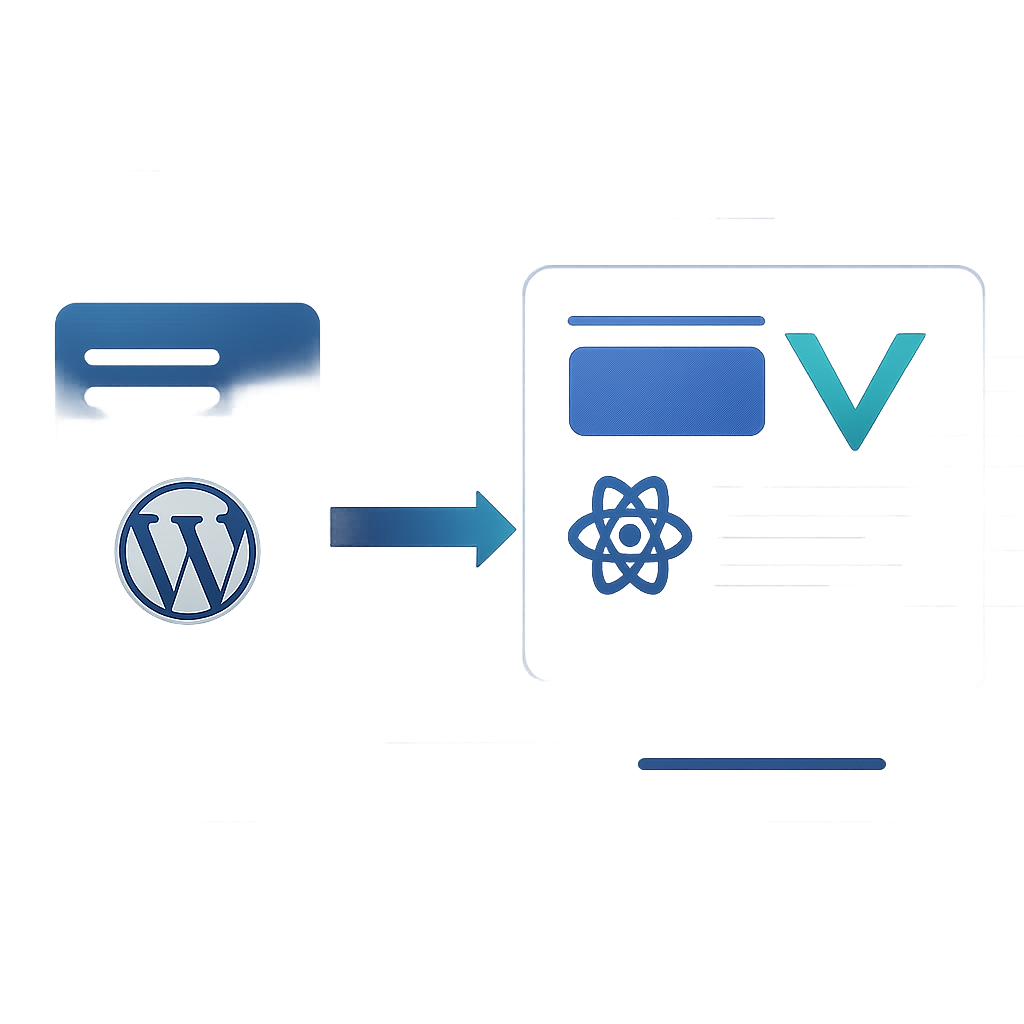
Headless WordPress operates with the WordPress backend serving as a content management system (CMS) while a separate frontend framework (like React, Vue.js, or Angular) is utilized to deliver the user experience. This separation allows you to tailor the frontend to your specific needs while leveraging the robust features of WordPress for content creation and management.
Benefits of Headless WordPress
- Performance: By serving content via an API, headless WordPress can deliver faster load times, improving user experience.
- Scalability: Decoupling allows developers to scale the front end independently, accommodating high traffic without impacting backend performance.
- Flexibility: Developers can choose the best technologies and frameworks for their project without being restricted by the WordPress theme structure.
- Enhanced Security: By hiding the WordPress backend, you can reduce the attack surface, making it harder for malicious actors to exploit vulnerabilities.
Before and After Optimization Scenario
Let’s consider a typical scenario where a WordPress site is experiencing performance issues due to its coupled architecture. The site has a substantial number of plugins and heavy media files, leading to slow load times and poor user engagement.
Before Optimization
| Metrics | Values |
|---|---|
| Load Time | 8 seconds |
| Page Size | 3.5 MB |
| Requests | 70 |
| First Contentful Paint (FCP) | 6 seconds |
| Time to Interactive (TTI) | 10 seconds |
Implementation Strategy
To transition to a headless WordPress approach, the following steps were taken:
- Set Up WordPress as a Headless CMS: Configure WordPress to serve content through the REST API.
- Select a Frontend Framework: Choose React for building a dynamic and responsive single-page application (SPA).
- Migrate Content: Use the WordPress API to fetch content and integrate it into the React app.
- Optimize Assets: Implement lazy loading for images and utilize a Content Delivery Network (CDN) for asset delivery.
- Implement Caching: Use server-side caching strategies to reduce load times further.
After Optimization
| Metrics | Values |
|---|---|
| Load Time | 2 seconds |
| Page Size | 1.2 MB |
| Requests | 25 |
| First Contentful Paint (FCP) | 1.5 seconds |
| Time to Interactive (TTI) | 3 seconds |
Frequently Asked Questions
- What is headless WordPress?
- Headless WordPress refers to the use of WordPress as a backend content management system while utilizing a separate frontend technology to deliver the user interface.
- What are the advantages of a headless architecture?
- The main advantages include improved performance, scalability, flexibility in technology choices, and enhanced security.
- Can I still use WordPress plugins with a headless setup?
- Yes, you can still use WordPress plugins, but their functionality will be limited to the backend, and you may need to find alternatives or custom solutions for the frontend.
- Is headless WordPress suitable for all types of websites?
- While headless WordPress offers many benefits, it may not be necessary for simpler websites where traditional WordPress setups suffice.
- How does headless WordPress affect SEO?
- SEO can be positively impacted as faster load times and improved user experience can lead to better rankings. However, developers must ensure proper SEO practices are implemented on the frontend.
Conclusion
Implementing a headless WordPress strategy can significantly enhance the performance and scalability of your web applications. By decoupling the frontend from the backend, you are not only able to optimize load times and user experience but also future-proof your websites. As web technologies evolve, adopting a headless architecture will position you to leverage new advancements seamlessly.








