
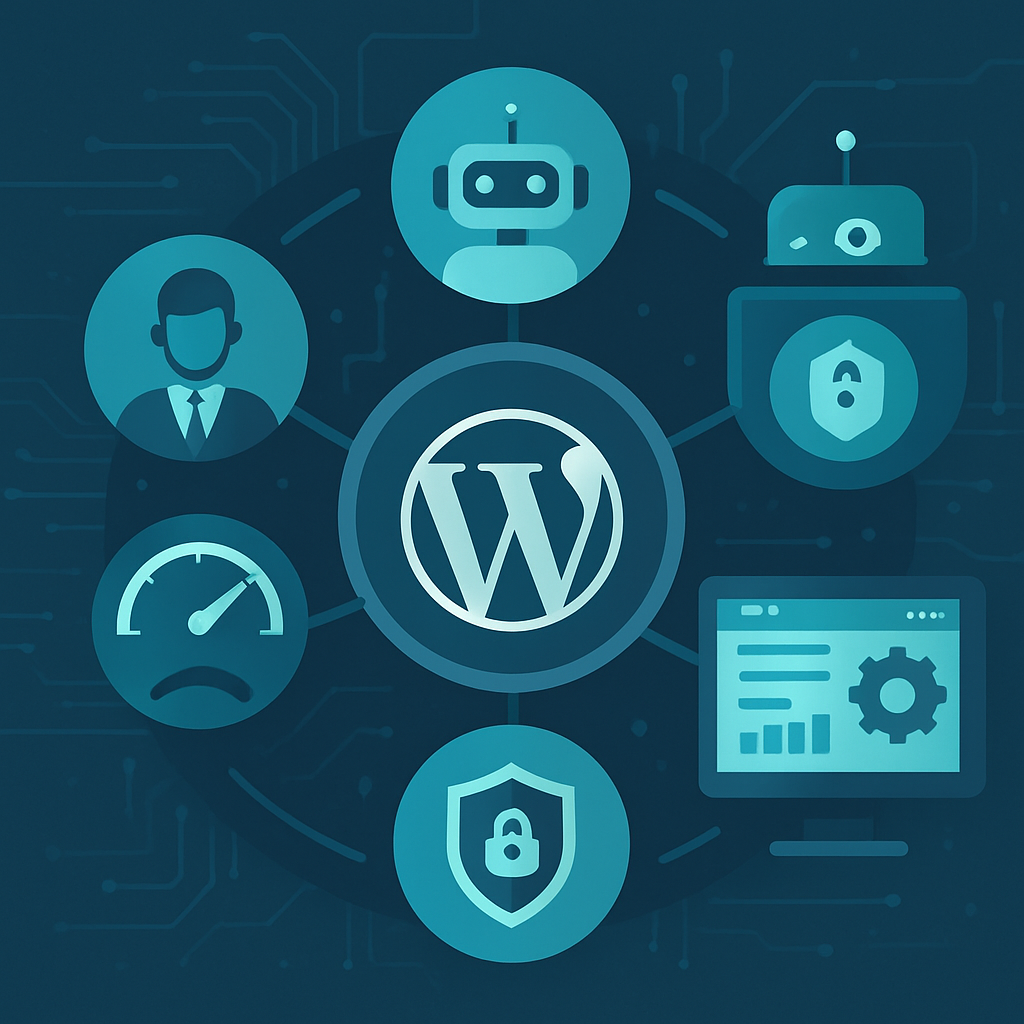






In the fast-paced world of digital marketing, maintaining multiple WordPress sites can be a daunting task for agencies. Manual updates, backups, and monitoring can consume a significant amount of time and resources, detracting from core business activities. This article explores effective strategies for automating WordPress maintenance across multiple client sites, highlighting the business impact for marketing agencies.
The Importance of Automation in WordPress Maintenance
Automating WordPress maintenance is not just about saving time; it’s about enhancing productivity, improving security, and ensuring consistent performance across all client sites. For marketing agencies, these advantages translate into:
- Increased Efficiency: Automation minimizes repetitive tasks, allowing your team to focus on strategic initiatives rather than routine maintenance.
- Enhanced Security: Regular automated updates and backups help safeguard client sites from security threats.
- Improved Client Satisfaction: Consistent performance and uptime lead to happier clients and stronger long-term relationships.
Key Strategies for Automating WordPress Maintenance
1. Utilize Managed WordPress Hosting
Choosing a managed WordPress hosting provider can significantly reduce the maintenance burden. These providers often include features like automatic updates, security monitoring, and daily backups.
2. Implement Maintenance Plugins
There are numerous plugins designed to automate various maintenance tasks:
- Backup Plugins: Tools like UpdraftPlus or BackupBuddy can automate backups to your preferred cloud storage.
- Security Plugins: Plugins such as Wordfence or Sucuri can provide automated security scans and alerts.
- Update Management: Use plugins like Easy Updates Manager to set rules for automatic theme and plugin updates.
3. Schedule Regular Tasks
Use cron jobs or built-in scheduling features within your plugins to automate tasks like:
- Database optimization
- Content updates
- Performance monitoring
4. Centralize Management with a Dashboard
Consider using a management dashboard like ManageWP or MainWP. These tools allow you to manage multiple WordPress sites from a single interface, automating updates, backups, and security checks while providing performance insights.
5. Regular Reporting and Monitoring
Automate the reporting process to keep track of the health of your client sites. Set up alerts for downtime, security issues, and performance drops, ensuring you can proactively address any issues.
Business Impact for Marketing Agencies
For marketing agencies, the ability to automate maintenance tasks can lead to considerable business advantages:
- Cost Savings: Reducing the time spent on maintenance allows for reallocating resources to revenue-generating activities, ultimately enhancing profitability.
- Scalability: As your client base grows, automated maintenance makes it feasible to manage more sites without significantly increasing operational costs.
- Competitive Advantage: Agencies that prioritize automation can deliver faster and more reliable service, setting them apart from competitors.
Challenges and Considerations
While automation offers numerous benefits, it’s essential to approach it thoughtfully. Here are some challenges to consider:
- Over-reliance on Automation: Automation should complement, not replace, manual checks. Regular audits are necessary to ensure everything is functioning correctly.
- Plugin Compatibility: Not all plugins will work seamlessly with each other. Testing and monitoring compatibility is crucial to avoid conflicts.
- Initial Setup Time: Setting up automation processes requires an upfront investment of time and resources, which can be a barrier for some agencies.
Conclusion
Automating WordPress maintenance for multiple client sites is a strategic move that can lead to significant efficiencies and business growth for marketing agencies. By implementing the right tools and strategies, agencies can enhance their service offerings, improve client satisfaction, and ultimately drive profitability in an increasingly competitive digital landscape.
Frequently Asked Questions
- What is automated WordPress maintenance?
- Automated WordPress maintenance refers to the use of tools and processes to manage routine tasks like updates, backups, and security checks without manual intervention.
- How can I automate backups for multiple WordPress sites?
- You can use plugins like UpdraftPlus or BackupBuddy to schedule automatic backups to cloud storage services.
- Are there risks associated with automating WordPress maintenance?
- Yes, over-reliance on automation can lead to issues if manual checks are not performed regularly. Compatibility between plugins also needs to be monitored.
- What are the benefits of using a management dashboard?
- A management dashboard allows you to oversee multiple WordPress installations from one place, streamlining updates, backups, and security management.
- Can I use automation for performance monitoring?
- Yes, many tools can automate performance monitoring and send alerts for any performance-related issues.
- How often should I perform manual maintenance checks?
- It’s advisable to conduct manual checks at least once a month to ensure everything is functioning as intended.
- What is the cost impact of automating maintenance?
- While there may be an upfront cost for tools, automation can lead to long-term savings by reducing labor costs and increasing efficiency.
- Will automation improve security for my client sites?
- Yes, regular automated updates and security scans help protect against vulnerabilities and ensure sites remain secure.








