
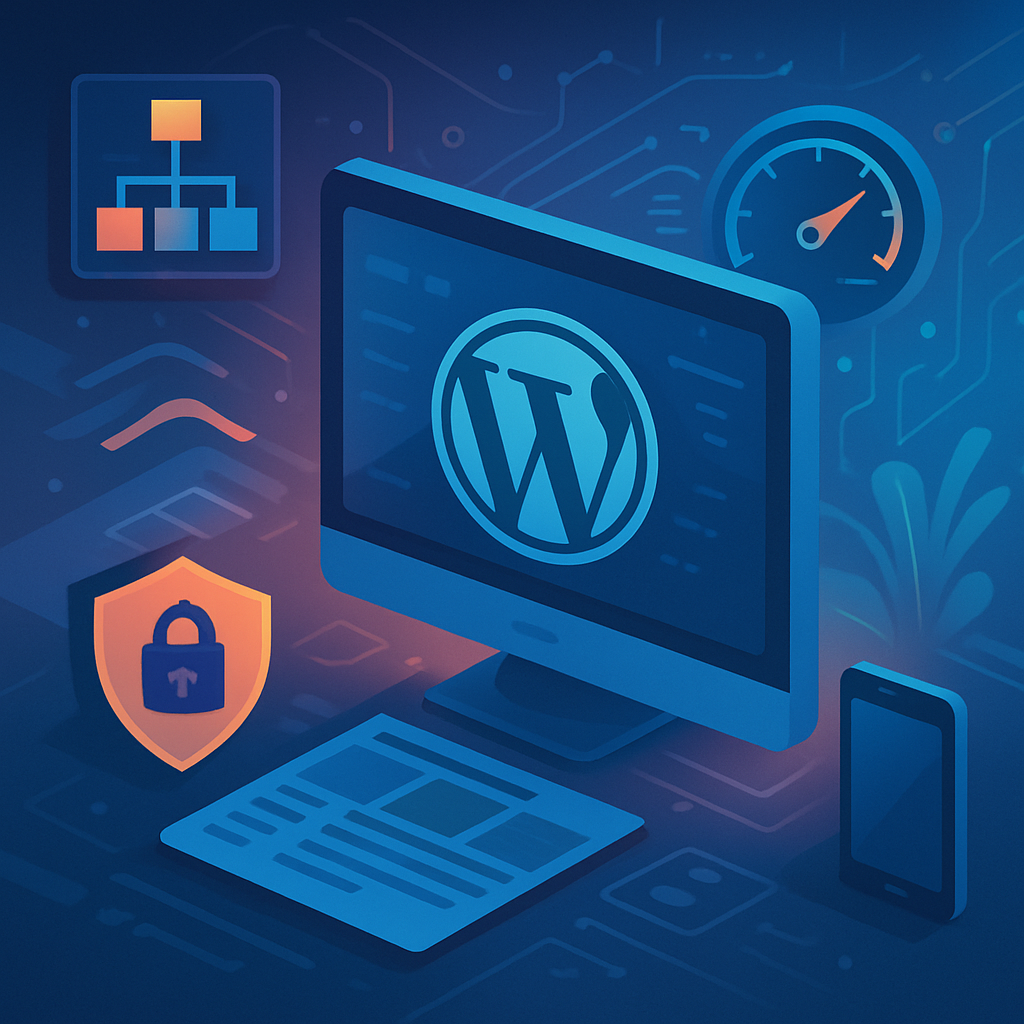






Introduction
In the competitive landscape of digital marketing, technical SEO is no longer an optional strategy; it’s a prerequisite for success. As a marketing agency, understanding the nuances of technical SEO for WordPress projects can significantly impact your clients’ online visibility and, ultimately, their bottom line.
What is Technical SEO?
Technical SEO refers to the optimization of your website’s infrastructure to help search engines crawl and index your site more effectively. Unlike traditional SEO, which focuses on content quality and backlinks, technical SEO addresses the behind-the-scenes elements that contribute to a website’s performance.
Why Technical SEO Matters for Marketing Agencies
As a marketing agency, your role extends beyond just creating content or managing social media. You are responsible for ensuring that your clients’ websites are technically sound. This can lead to:
- Improved Search Engine Rankings: A well-optimized site is more likely to rank higher in search results.
- Enhanced User Experience: Technical SEO optimizations lead to faster loading times and a more responsive design, which can significantly improve user satisfaction.
- Increased Organic Traffic: Higher rankings and better user experience often translate to increased traffic, which can lead to higher conversion rates.
- Better ROI: By investing in technical SEO, you can deliver measurable results to your clients, enhancing their trust and your agency’s reputation.
Key Technical SEO Strategies for WordPress
1. Optimize Your Site’s Structure
A well-structured website allows search engines to crawl it more efficiently. Use a clear URL structure, implement breadcrumbs, and create an XML sitemap. Consider using plugins like Yoast SEO or All in One SEO Pack to manage your sitemap effectively.
2. Improve Website Speed
Page speed is a critical ranking factor. Utilize caching plugins such as WP Super Cache and optimize images with tools like ShortPixel. Aim for a loading time of under three seconds to keep users engaged.
3. Mobile Optimization
With mobile traffic surpassing desktop, your WordPress site must be responsive. Use a mobile-friendly theme and test your site using Google’s Mobile-Friendly Test tool to ensure compatibility.
4. Secure Your Website
Website security is a vital technical SEO aspect. Ensure your WordPress site uses HTTPS by installing an SSL certificate. This not only improves your SEO but also builds trust with your visitors.
5. Optimize for Core Web Vitals
Core Web Vitals are essential metrics that Google uses to evaluate user experience. Focus on metrics like Largest Contentful Paint (LCP), First Input Delay (FID), and Cumulative Layout Shift (CLS) to enhance user experience. Utilize tools like Google Lighthouse to measure and improve these metrics.
Conclusion
Technical SEO is a crucial component of a successful digital marketing strategy for WordPress projects. By prioritizing these optimization techniques, marketing agencies can enhance their clients’ online visibility, improve user experience, and ultimately drive better results. Investing time in mastering technical SEO can set your agency apart from the competition, making you an invaluable partner for your clients.








