
Digital accessibility is no longer optional for business websites. It is a matter of opening your doors—or shutting people out. When our team at André delivers WordPress development services, we make accessibility part of every project, because it builds trust, grows your audience, and stays ahead of new rules and standards. In this guide, we share practical steps and key insights to make WordPress sites friendlier for everyone.
Why accessibility matters to every WordPress site
We have seen accessibility benefit businesses far beyond compliance. The web should be open for all. Consider these reasons:
- Wider audience: About 16% of the global population lives with a disability. If your site is not accessible, your message does not reach millions.
- Better SEO: Search engines favor accessible sites. Structured data, proper headings, and clear navigation help both people and algorithms.
- Legal compliance: In the EU, the European Accessibility Act takes effect starting June 28, 2025. Any site reaching EU users faces legal risks without accessibility.
- Inclusive brand image: Showing genuine concern for all users builds trust and sets businesses apart from competitors investing less in usability.
Accessibility is a win for your brand and your visitors.
In our experience with complex WordPress projects, we found accessibility improvements often lead to higher engagement and conversions—results everyone wants.
Core principles of accessible WordPress sites
Before actions, we start with a mindset. We base accessibility on four pillars:
- Perceivable: Information must be easy to see or hear. Images should have text, videos need captions, and color choices should work for those with visual impairments.
- Operable: Every button, link, or form must work with mouse, keyboard, or assistive tools.
- Understandable: Text is clear, navigation is simple, and pages behave as users expect.
- Robust: The website works with today’s and tomorrow’s browsers or tools, not just on one device.
We’ve found that sticking to these pillars guides every technical or design choice. Now let’s see how we turn these principles into results.
WordPress themes: The foundation of accessibility
A site’s accessibility starts with its theme. In every custom project, we review or build themes for real inclusivity, as described in our WordPress theme development service.
Here’s what makes a WordPress theme accessible:
- Logical HTML structure: Use headings (H1-H6) in order, labels with every form field, and ARIA roles when needed.
- Contrast and colors: Ensure text stands out from backgrounds, with ratios of at least 4.5:1. Never rely on color alone for meaning.
- Keyboard navigation: Every interactive item must be reachable by tabbing and operable with the keyboard.
- Skip links: Offer quick ways to jump to main sections and skip repetitive navigation.
Our team always tests new themes using keyboard-only navigation and screen readers. This real-world check finds issues automated tools miss.
Plugins and integrations: Keeping accessibility intact
Plugins make WordPress powerful. But some introduce accessibility barriers—hidden text, broken navigation, or confusing pop-ups. In our plugin development service and advanced site integrations, we apply our standards from start to finish.
Here’s how we maintain accessibility when extending WordPress sites:
- Check plugin code for semantic HTML and ARIA where needed.
- Test visual widgets (like sliders, popups, forms) for keyboard and screen reader support before using.
- Follow up after updates; a new version can bring accessibility bugs.
- Replace inaccessible plugins with better, or custom, solutions if needed.
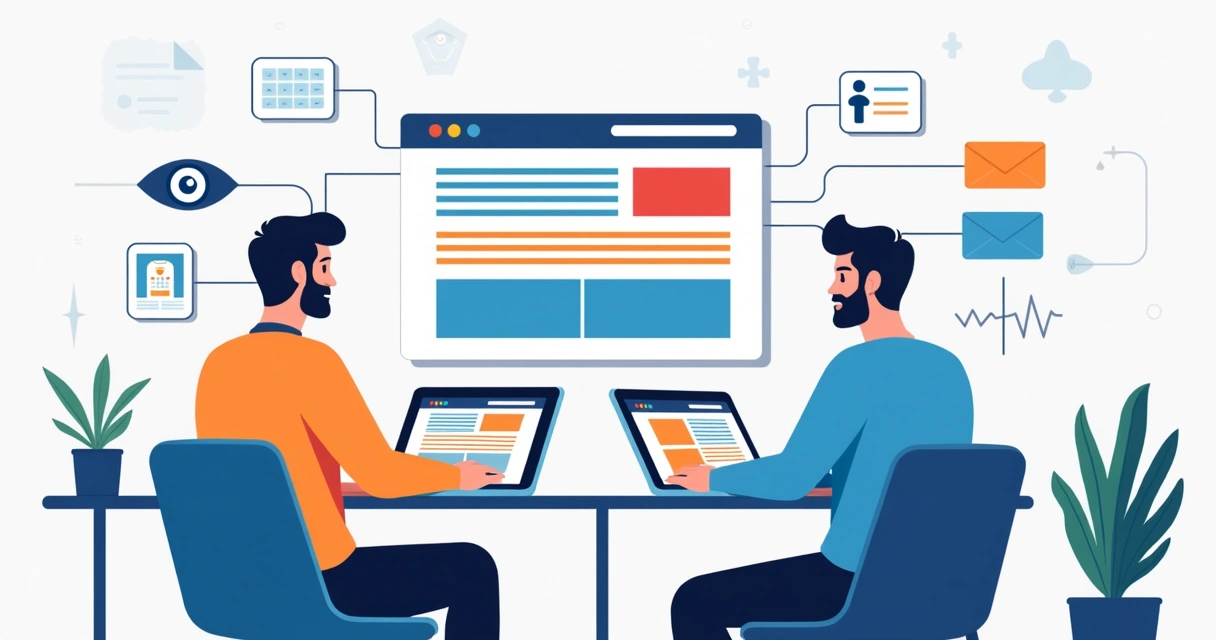
We encourage our clients to avoid one-click “accessibility overlay” plugins promising instant compliance. In our tests, they often leave deeper usability flaws unaddressed.
Content and media: Making everything readable and usable
Even the most accessible theme fails if your content creates obstacles. We give clients simple practices to follow when adding blog posts, images, videos, downloadable files, or forms.
- Headings and structure: Organize content using heading tags, not just bold or size. Screen readers use headings as signposts.
- Text alternatives: Every image needs a descriptive alt attribute. Complex graphics get a text explanation nearby.
- Video and audio: Add captions to videos and transcripts for audio files, whenever possible.
- Clear links and buttons: Use meaningful text (“Download annual report,” not “Click here”).
We also suggest breaking up long paragraphs, using bullet points, and writing in a clear, direct voice.
Frequent accessibility pitfalls in WordPress—and how we solve them
In countless audits, we spot the same mistakes. Here are four frequent issues and how our WordPress maintenance and support approach fixes them:
- Missing focus indicators: If keyboard users can’t see which element is selected, forms and navigation become impossible. We always add visible outlines or highlights.
- Improper labels on forms: A field without a label keeps screen reader users guessing. Every field gets a programmatic label, not just a placeholder.
- Dynamic content issues: Popups, modals, or AJAX updates interrupt users of assistive technology. We use ARIA attributes and manage keyboard focus smartly.
- Low color contrast: Some popular design trends undercut visibility for people with vision issues. We test all color combinations for real-world results.
Fixing the basics opens doors for everyone.

Through our targeted audits, we not only identify issues but provide clear steps your team can implement—or we fix them as part of our ongoing partnership.
Performance and accessibility: Why speed matters too
A slow website is also an inaccessible one. People using assistive technologies, or on slower connections, face bigger barriers when pages lag or fail to load. Our performance tuning services for WordPress put both accessibility and speed first.
- Image optimization: Compress and resize images, add descriptive alt text, and set size attributes for better loading and rendering.
- Clean code: Minimize scripts, use only required plugins, and serve optimized HTML/CSS/JS for faster, smoother experiences.
- Mobile first: Responsive design benefits everyone, and is required for accessible web use on tablets and phones.
By keeping sites light and fast, we remove technical roadblocks for all.
Legal risks and proactive steps
With new accessibility requirements coming soon, especially due to the European Accessibility Act, companies serving the EU must give accessibility a top spot on their checklist. Fines and restrictions will be enforced for non-compliance.
Accessibility compliance protects your business, not just your reputation.
We help clients get ready before laws turn into urgent issues. Our monthly support keeps your site updated as standards evolve, sparing you late surprises.
How our approach is different
Some competitors offer packaged audits or off-the-shelf plugins. These options often overlook custom integrations, rapid content changes, or special workflows—where accessibility problems hide. Our WordPress development services focus on long-term, client-tailored solutions.
- We include full accessibility in custom themes, plugins, and integrations.
- Our team does live, real-user testing—never relying only on automated tools.
- After site launch, we stay engaged with updates, reviews, and hands-on support.
Clients that moved to us from other providers tell us our process catches and fixes usability issues that had blocked parts of their audience for years.
The road ahead: Accessibility as an ongoing process
Accessibility is never once-and-done. New content, plugins, and web trends bring new challenges. We believe the best approach is to keep asking: who might face obstacles here, and how can we remove them?
Our recommendations change as standards and user needs shift. That is why we stay up-to-date with legal guidance, new assistive tech, and feedback from real users.
Ready to improve your WordPress accessibility?
If you want your WordPress site to welcome every visitor, keep your business safe, and stand out for quality, now is the time. Our WordPress development services give you more than just code—they offer a partnership with experts who care, plan, and act for real-world inclusion.
Contact us today to build, upgrade, or maintain a WordPress site that truly works for everyone—your audience, your business, and your brand.