
Building trust online is never automatic. In my years working with WordPress, I’ve seen businesses struggle with website security, not realizing that something as simple as a security certificate can make a dramatic difference. If you care about the experience of your visitors—and the reputation of your site—taking certificates seriously is not an option; it’s a must.
What does SSL really mean for WordPress?
Most people associate these certificates with the little padlock in the browser bar, or with “https” in the address. But there’s more happening behind the scenes. At the basic level, these certificates secure connections between your users and your website, using encrypted channels to protect data from prying eyes. For WordPress sites, which often handle user registrations, logins, and even transactions, encryption stops attackers from stealing anything as data travels between browser and server.
I often get asked: Is “SSL” just a tech buzzword? Here’s where things get interesting.
SSL or TLS? Understanding the evolution
Strong web security depends on what was once called Secure Sockets Layer (SSL), but the reality is, most internet encryption today is based on Transport Layer Security (TLS). TLS is the new and improved version, designed to patch flaws and vulnerabilities in SSL’s original design.
Although most people—including myself—still say “SSL certificates,” technically, the protocols in use are TLS. The name stuck from earlier days, but the underlying security method has changed. HTTPS sites use these modern versions for every secure connection. You might encounter both terms, but for practical purposes, whenever you buy or install an “SSL certificate,” you’re really getting access to robust TLS protection.
It’s not the term that matters, but the security it provides.
How do SSL certificates work?
From a technical perspective, certificates establish the identity of your site and encrypt the data transferred. The process starts with cryptography—two keys, one public and one private. This is called asymmetric encryption.
- Authentication: When you install a certificate on your server, visitors’ browsers receive proof that your site is truly yours, not a fake copy set up by hackers.
- Encryption: All exchanged data, including logins, contact forms, and even cookies, is encoded. Only those with the right key (your server and the user’s browser) can read it.
- Integrity: Certificates help ensure that data isn’t tampered with during transmission. Changes would get flagged or blocked.
In my experience, failing to set up these protections leads to real-world problems—data breaches, broken customer trust, and lost revenue. I’ve seen businesses ignore these risks and pay the price.
Why agencies and businesses with WordPress need strong certificates
Agencies and larger businesses with multiple WordPress sites manage far greater risks, especially when clients trust you with their assets. If you’re operating as part of an agency, like the ones using my WordPress development and support services, you handle dozens or even hundreds of websites at a time.
- Confidential form submissions, payment details, or account credentials require encrypted handling at every step.
- Clients and end-users judge a brand’s reliability by how secure their digital experience feels.
- For e-commerce, the lack of security warnings is the difference between a sale and a bounce.
If you want more real-life context, you can view further insights I wrote about digital security in this security-focused collection.
Choosing the right type of SSL certificate
Certificates are not all alike. In my advice to clients, I look at their business model, the number of domains/subdomains, and their legal requirements to choose the proper category:
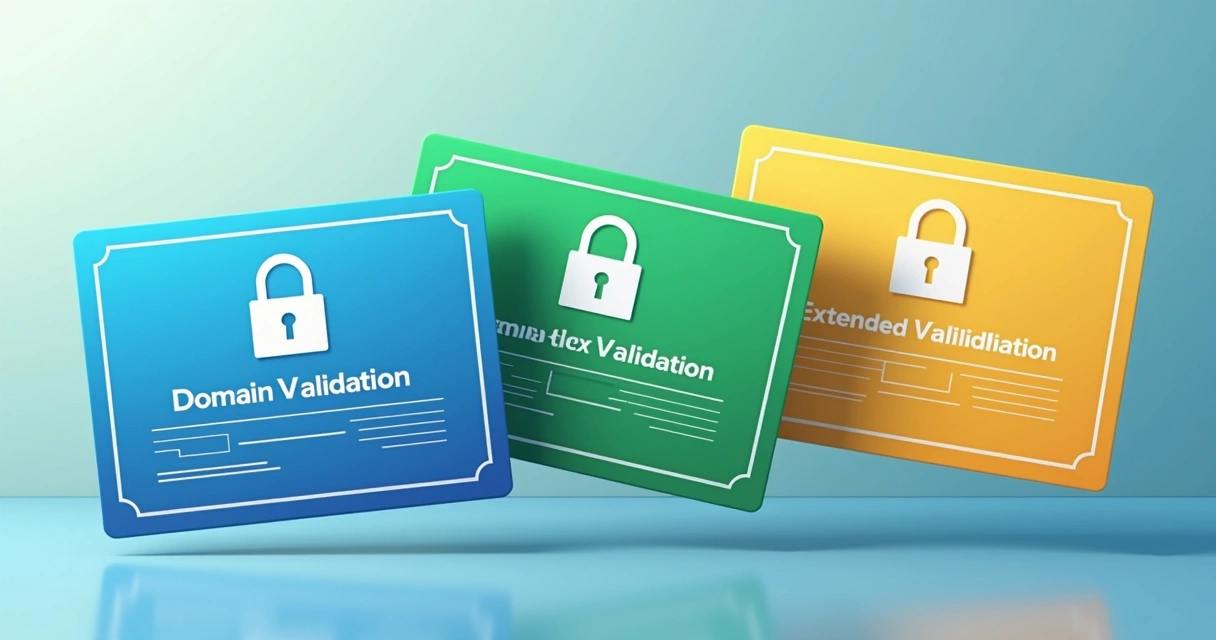 Domain Validation (DV): For smaller sites or blogs, providing basic security. Quick and affordable, DV checks only domain ownership. It’s common for informational sites that don’t ask users for personal info.
- Organization Validation (OV): This suite goes further by verifying the business identity behind the site. I often suggest OV for agency, business, or nonprofit customers with a hefty reputation to protect.
- Extended Validation (EV): The highest standard. EV requires a deeper check into the business’s legal and operational credentials, resulting in added trust indicators in browsers—for example, showing the business name. Large e-commerce sites, fintech companies, and any project handling lots of user data should always opt for EV.
Multiple-domain certificates (sometimes called SAN or UCC) and wildcard certificates (covering all subdomains) help agencies and businesses with a complex site structure. Over my ongoing support for clients, these have proved invaluable for reducing administrative headaches.
Step-by-step: Setting up SSL on your WordPress site
Implementing SSL on WordPress is not complicated, but it does require focus. Here’s how I do it for clients, and what I recommend for anyone wanting to make their site safer:
- Acquire the certificate: Choose the certificate type that matches your needs. Purchase from an authority or, in some cases, use free providers for personal or low-risk projects.
- Generate Certificate Signing Request (CSR): On your server panel, create a CSR. This initiates the validation process with the certificate authority (CA).
- Validation and issuance: The CA verifies your identity based on the type of certificate. DV is quick; OV and EV take more time and paperwork.
- Install the issued certificate: Upload the files to your web server. If using managed WordPress hosting, follow their process for installation.
- Update WordPress settings: Change your site’s address from “http://” to “https://” in settings. Double check all internal links, scripts, images, and plugins to avoid mixed content issues.
- Redirect traffic: Set up a permanent (301) redirect from HTTP to HTTPS. This keeps visitors and search engines on the right version of your site.
- Troubleshoot problems: Look out for security warnings or broken padlocks. These are often caused by old, insecure links or resources loading from HTTP instead of HTTPS.
A quick guide often helps, but for details or advanced topics, I sometimes address common headaches in posts like this troubleshooting tips article.
The impact of SSL on SEO, client trust, and regulation
Search engines, like Google, prefer encrypted sites. I’ve witnessed SEO gains when clients switched to HTTPS. Users are much more likely to trust a site when their browser doesn’t display “Not Secure” warnings.
Browsers now warn users every time a site is not using secure encryption.
Beyond search and trust, some industries are compelled by laws or regulatory standards to provide encrypted dealings. Ecommerce, healthcare, and financial WordPress platforms don’t have a choice. If they don’t follow encryption standards, they could face fines or lose payment processing privileges.
Avoiding common misconceptions
People often assume that certificates protect them from every type of attack. That’s not true. Encryption keeps data safe in transit, but won’t fix insecure passwords or badly coded plugins. It’s one layer—and a necessary one—but not the only thing you need.
SSL certificates are not just for e-commerce; any modern site, even a simple blog, should offer encrypted connections. Not only is it a ranking factor for search engines, but browsers have made an unsecured status a warning sign for visitors.
Staying protected: Maintenance and monitoring
Once you’ve added a certificate, your job isn’t finished. Expired or misconfigured certificates will break your site’s security. I set calendar reminders to renew them well before expiration dates and frequently check for proper function using online tools and browser indicators.
 If something fails, act fast. I’ve found that active monitoring plugins—along with a manual monthly check—save you from last-minute panic. I cover more about ongoing WordPress site care and technical maintenance in my WordPress guidance section.
Conclusion: Secure your WordPress project the right way
If you manage a business or digital project on WordPress, putting off certificate installation is risky. Security, trust, search engine benefits, and even legal peace of mind rely on using encryption and keeping your certificates current.
I know from many projects just how transformative robust security can be—not only for site safety, but user perception and reputation. If you’d like personalized support with your WordPress site, ongoing security, or even advice on which certificate to pick next, I invite you to learn more from my stories or get in touch for a tailored solution. See what André Luiz Abdalla can do for your project, and turn your site into a safer place for everyone.
Frequently asked questions
What is an SSL certificate?
An SSL certificate is a digital credential that verifies a website’s identity and enables encrypted, protected communication between a web server and a browser. It helps ensure all data sent and received by visitors remains private and authentic.
How does SSL protect my WordPress site?
SSL encrypts all traffic moving between your website and your visitors’ browsers, making it almost impossible for hackers or third parties to intercept or tamper with the information being exchanged. This is vital for login credentials, payment data, and any personal info entered on your WordPress site.
Is SSL required for WordPress websites?
Technically, SSL isn’t a strict requirement, but it’s expected for any public or client-facing WordPress site. Most browsers flag sites without SSL as “Not Secure,” which damages trust and can lower your placement in search results. For online stores or membership areas, encrypted connections are usually mandatory under regulations.
How much do SSL certificates cost?
The price varies. You can obtain DV certificates for free or at a very low price, while OV and EV certificates involve more vetting and therefore higher costs. The cost is determined by the level of validation, number of domains, and warranty. Businesses that need strong brand trust usually invest more in advanced certificates.
Where can I get the best SSL?
The right place to get SSL certificates depends on your project’s needs and your level of technical knowledge. Always choose a trusted certificate authority and make sure to match the certificate type to your business, domain structure, and compliance requirements. If you want more detailed advice, my guide on choosing and installing SSL certificates for WordPress can help point you in the right direction, or feel free to reach out directly for tailored support.