
When I first started building custom solutions with WordPress, I felt that many doors were closed. Direct access to the database seemed risky, and SOAP web services always felt a bit like using a rotary phone in a smartphone world. But then, I discovered the REST API architecture, and everything changed in my integration projects. The rich potential of RESTful communication opened new pathways for agencies and developers. Today, I want to walk you through what this means, especially if you’re seeking the best, most robust solutions for your own clients or your agency’s multi-site demands—just as I do every week within the André Luiz Abdalla project.
Understanding the basics of RESTful APIs
A RESTful API (Representational State Transfer Application Programming Interface) is a set of rules for how programs talk to each other over the web, using HTTP methods. If I could explain it in one line:
REST is how applications share data by exchanging JSON over HTTP.
Think of WordPress sites as both senders and receivers of these messages. By leveraging endpoints, a WordPress site can let outside applications “ask questions” and “get answers” in a structured, predictable way.
RESTful interfaces use simple principles:
- They work over standard HTTP methods – GET, POST, PUT, PATCH, DELETE.
- Data is formatted as JSON, making it easy for both humans and machines to understand.
- APIs are stateless, meaning every request from your application to the server must contain all the information needed to understand and process the request.
- Each endpoint represents a resource—think of /wp-json/wp/v2/posts for blog posts, for instance.
When I explain this to clients, I often compare it to sending and receiving letters: Each endpoint is an address, and GET or POST are different types of mail services—one for reading, another for sending, and others for editing or deleting the information.
RESTful architecture in the WordPress ecosystem
WordPress rolled out its own REST routes in the core platform, and this transformed how agencies and independent developers like me approach website development and integrations. Instead of being locked to PHP templates or clunky legacy XML feeds, modern WordPress opens up every content type—posts, pages, users, comments, media, and even custom data types—to remote commands. This allows:
- External web apps to pull or push content to the site
- Mobile or desktop clients to interact with WordPress data in real-time
- Automation tools to update, launch, or synchronize content across many sites or systems
This foundation makes WordPress a flexible “headless CMS” if you want, or just a highly connected system working with other platforms. In my work with André Luiz Abdalla’s agency partnerships, I’ve seen firsthand how this architecture supports high-volume publishing, e-commerce, and complex workflows.
CRUD operations: The backbone of site content management
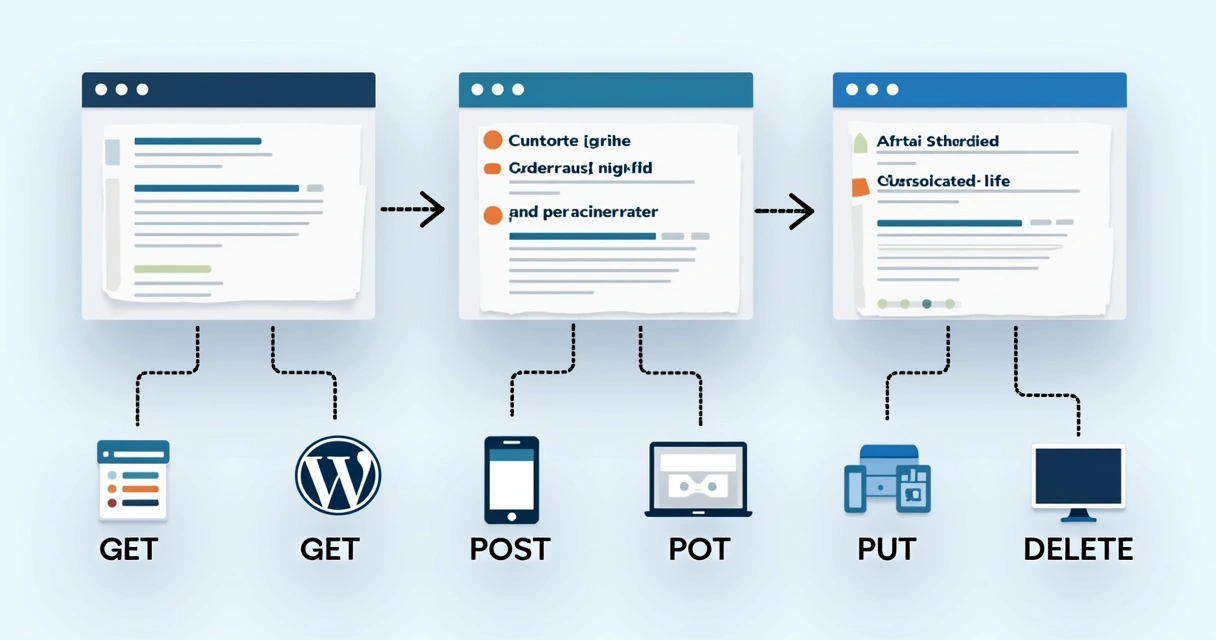
In practical terms, a RESTful interface gives you four powerful tools to work programmatically:
- GET: Retrieve site data (for example, fetch all posts with /wp-json/wp/v2/posts).
- POST: Create new content (such as adding a new page or submitting a user registration).
- PUT or PATCH: Update existing resources (like changing a product’s details or editing a comment).
- DELETE: Remove items safely (like deleting a page or removing a user).
To see a full walkthrough of these concepts in a real project, I recommend reading about agency workflows at this integration example from my own experience.
By working directly with these HTTP verbs, agencies can avoid complicated admin login and allow controlled, scalable programmatic edits. For instance, when building multi-language publishing for clients, I often rely on these programmatic content operations, ensuring data consistency across every connected instance.
Real-world scenarios: From integration to automation
My experience has shown me that RESTful endpoints open up new scenarios that used to demand significant custom PHP or private APIs. Here are some widely adopted cases I’ve built:
- Integrating with CRMs or marketing automation – Sync leads, contacts, or marketing actions between WordPress and external SaaS platforms with structured calls.
- Headless CMS solutions – Build custom frontends (like React apps) that fetch content from your WordPress site, offering speed and UX flexibility.
- Automating multicasting and syndication – Automatically publish new posts to partner networks, social media, or other internal systems by triggering workflows over endpoints.
- Custom internal dashboards – Design management tools or analytics dashboards that rely on real-time API data, far beyond the WordPress admin limitations.
- Connecting e-commerce systems – For shops running WooCommerce, synchronize orders, products, or inventory with ERP or logistics partners.
You can browse more about this, plus some technical walkthroughs of performing advanced integrations, in my article at this use-case post.
 How to customize endpoints and enhance business logic
I regularly face unique requirements that default endpoints can’t meet. Here’s where I turn to custom API endpoints—it’s much easier than many expect if you know how to design them properly. By using register_rest_route() in a plugin or a theme, you can surface custom data structures, validate input, or wrap complex business logic. Some examples where this made a difference for me:
- Showing merged content across different post types in one response
- Building read-only APIs for consumption by public clients or partners
- Setting advanced permissions (e.g., restrict editing to a specific agency role)
Setting up these routes is a matter of a few lines, but the security and structure matter. I see clients benefit from custom API endpoints by reducing the need for manual exports or limited admin actions. For a detailed look at extending the WordPress API itself, have a look at my in-depth post about custom API endpoints in WordPress.
Authentication strategies in production environments
One of the biggest concerns I encounter is “Who’s allowed to perform these actions?” I never leave a WordPress REST endpoint open without careful consideration. The three standard authentication models are:
- Cookie authentication (for browser-based internal tools and logged-in users)
- Application passwords (great for secure server-to-server or script access)
- OAuth authentication (suitable when building for external clients, such as mobile apps or third-party integrations)
Each has strengths and tradeoffs. For agency workflows, I most often recommend application passwords for backend automation—they’re easy to manage and can be revoked at any time, offering a natural fit for multi-client websites or custom workflows. When working with third-party partners, OAuth brings better user consent flows, if the integration is more public-facing.
Only grant API access where it’s truly necessary.
Be sure to validate every request, and avoid writing custom authentication unless you have full control of the stack. That’s why within projects for agencies with multiple clients, I standardize on robust, built-in methods. This practice fits especially well with André Luiz Abdalla’s philosophy of careful, security-first WordPress development.
Security best practices for RESTful WordPress operations
In many troubleshooting tasks for agencies, I find issues come from overlooked basics, not dramatic hacks. Here are some practices I always put in place:
- Ensure all API requests go over HTTPS, never plain HTTP.
- Apply the principle of least privilege—only expose or allow what is absolutely required.
- Sanitize and validate incoming data using WordPress’s built-in functions whenever possible.
- Limit brute force attempts, especially with authentication endpoints.
- Avoid exposing sensitive data by restricting endpoints or outputting only selected fields.
For a deeper technical perspective and actionable tips on RESTful WordPress security, I have a full category at WordPress development best practices.
 Practical plugin and theme integration using RESTful technology
I’ve built dozens of plugins that depend on RESTful technology to synchronize, fetch, or update WordPress data. This process isn’t only for big agencies—solo consultants benefit as well! Here are the usual steps I follow:
- Register custom routes using
register_rest_route()inside the plugin’s main file. - Declare and document all the arguments/fields the endpoint will accept, with schema validation.
- Write callback functions to handle the various HTTP methods—carefully checking permissions for each.
- Return JSON responses following a simple structure, with useful error data when needed.
Theme developers have similar options, especially when working with creative headless builds or real-time content updates. Both plugin and theme developers should keep the codebase clean and always use WordPress’s built-in hooks and actions for authentication and sanitization.
Tips for performance and managing JSON responses
The power of a programmatic API can sometimes turn into a double-edged sword if not managed carefully. Here’s what I always keep close at hand when tuning performance for clients:
- Reduce response size: Always request only the fields you need by using the
_fieldsargument (e.g.,?_fields=id,title,date). - Paginate large requests: Never pull thousands of entries in one call. Use
per_pageandoffsetto manage big data sets. - Cache predictable responses: When building integrations between WordPress and CRMs, I often store predictable GET results locally for a few minutes to reduce load.
- Minimize expensive meta queries: Avoid complex meta field filtering on massive datasets—sometimes a custom endpoint designed for that use-case makes more sense.
You’ll find more on this in my advisory articles at WordPress performance improvement. Returned JSON should be both accurate and as lean as possible for best speed.
How to handle errors and common troubleshooting steps
Even well-designed API systems sometimes send error responses instead of pretty JSON. In my projects, the most common issues are:
- Missing authentication headers or expired credentials
- Incorrect permission checks in custom endpoints
- Invalid or missing arguments in the request body
- Rate limits or timeouts, especially on busy large-scale sites
When debugging, I recommend:
- Checking returned HTTP status codes (like 401 Unauthorized, 403 Forbidden, 400 Bad Request)
- Logging every request and response, at least during development
- Testing with tools like Postman or WP-CLI REST commands to reproduce the error outside the plugin/theme environment
- Ensuring plugins or security settings are not interfering with the endpoint
Once errors are isolated, I always test with minimal payloads and gradually increase complexity to spot where the trouble emerges.
Versioning and future-proofing your API integrations
One area that often causes problems in agency environments is skipped versioning. Never deploy an API endpoint without setting a clear version in the route, like /wp-json/myplugin/v1/.... This allows you to:
- Update internal data models without breaking old clients
- Maintain multiple clients with varying requirements smoothly
- Phase out deprecated endpoints at your own pace
In multi-client setups, keeping careful documentation on current, deprecated, and planned endpoints avoids future confusion. Agencies that maintain variable plugin environments or partner with third parties experience fewer headaches when versioning is standard practice.
Scaling, maintenance, and stability in multi-client agencies
Managing RESTful operations across many client sites and projects is something I handle daily at André Luiz Abdalla. These are the strategies I trust:
- Use environment variables or centralized configs for endpoints and auth credentials
- Automate regular health checks for endpoints using monitoring tools
- Centralize logging and alerts for failed API calls
- Document every custom endpoint, including parameters, expected payloads, and contact info for maintainers
Agencies should create routine processes for auditing API client lists, rotating credentials, and reviewing recent API usage. I schedule quarterly reviews for every active integration, which always pays off in long-term stability and trust.
Conclusion: Building smarter WordPress solutions with APIs
RESTful technology has changed my approach to WordPress development and agency projects. Today, integration, automation, and innovative user experiences are possible with a few lines of code and careful planning. When you master RESTful principles and keep security and scalability in mind, you create long-lasting solutions for agencies, multi-client businesses, and partners with big ambitions.
If you want your project or agency to benefit from reliable, fast, and secure WordPress integrations, reach out to connect with the team behind André Luiz Abdalla. You’ll be able to unlock the next level of what your site can really do.
Frequently asked questions
What is the WordPress REST API?
The WordPress REST API is a web-based interface that allows external applications and services to interact with a WordPress website by sending and receiving data in JSON format using standard HTTP methods like GET, POST, PUT, and DELETE. This makes it possible to manage content, users, and other resources remotely, integrating WordPress with other platforms, tools, or even custom apps. For more insights on this, I often point agencies to detailed guides in my WordPress development section.
How do I authenticate API requests?
There are several ways to authenticate requests to the WordPress API. The three most common are cookie authentication (for logged-in users), application passwords (best for server-to-server or automated scripts), and OAuth (best for public third-party integrations). Most agencies and developers use application passwords for backend integrations, while OAuth is preferred for apps used by external users.
Can I create custom endpoints in WordPress?
Yes, you can create custom API endpoints using the register_rest_route() function in plugins or themes. This lets you expose custom data or workflows, manage advanced business logic, or tightly control the inputs and outputs specific to your project needs. I share practical examples at this technical walkthrough.
Is using the REST API secure?
When implemented with care—using HTTPS, proper authentication, input validation, and minimal access permissions—the WordPress API is secure for production use. It is important to avoid exposing sensitive data, limit brute force attempts, and always keep plugins, themes, and core updated for the best protection. Full details on secure integration practices are covered in my agency security category at WordPress security.
How can agencies benefit from the REST API?
Agencies gain a lot from RESTful integrations, including the ability to automate content creation, manage multi-site publishing, sync with CRMs or e-commerce solutions, and offer more robust client dashboards. With the right setup, even agencies with many clients can scale operations, reduce manual work, and offer unique digital experiences. Examples and strategies for this are shared often in my integration case studies.