
WordPress is often celebrated for its simplicity, yet beneath that accessible surface, it hides features for advanced user management that most site owners and agencies never discover. Our team at André’s WordPress Development Services makes it a mission to bring these features into the spotlight, particularly for organizations and agencies juggling many contributors, clients, and content managers. We believe that by using the right tools at the right time, running a streamlined, secure, and flexible site becomes much easier. Let’s talk about five powerful features you may not be using yet—but should.
The roles and capabilities editor: more than the default five
By default, WordPress ships with five main user roles: Administrator, Editor, Author, Contributor, and Subscriber. Each with its unique permissions, as explained by Harvard’s WordPress User Guide. However, many don’t know we can create, modify, or clone roles to suit unique workflows. This gives agencies and large businesses control over privacy and responsibility.
In practice, extending roles means:
- Adding custom roles for project managers or external marketing consultants.
- Restricting sensitive settings or plugin access only to trusted staff.
- Fine-tuning permissions, like allowing someone to moderate comments, but not install plugins.
- Improving security by giving users only what they need—nothing more.
We’ve used plugins such as Members and User Role Editor for some projects. Yet, custom development via our WordPress plugin development service outperforms generic plugins, offering safer and lighter solutions focused on your business case. With this, it becomes possible to control unique workflows, such as editorial pipelines in large newsrooms or content approval chains for marketing agencies with compliance needs.
Custom roles = precise control without clutter.
User meta and profiles: storing more than just the basics
The standard WordPress profile is basic—name, bio, color scheme, and a few links. But the underlying system supports much more. We regularly add fields for job titles, departments, skills, certifications, social profiles, and profile images. Why? Because modern teams need richer context when working together.
Using user meta, we can store and display extra information in the dashboard or directly on public-facing pages. This feature is invisible to most, yet incredibly powerful for businesses who want to foster team transparency or streamline contributor recognition. As outlined in the University of Georgia’s Office of Information Technology guide, displaying contributor profiles with avatars and biographical details isn’t just about looks—it builds trust with audiences and boosts morale for writers and editors alike.
We often integrate this with our advanced integrations and custom solutions for agencies that manage talent pools, event speakers, or externally-sourced authors.
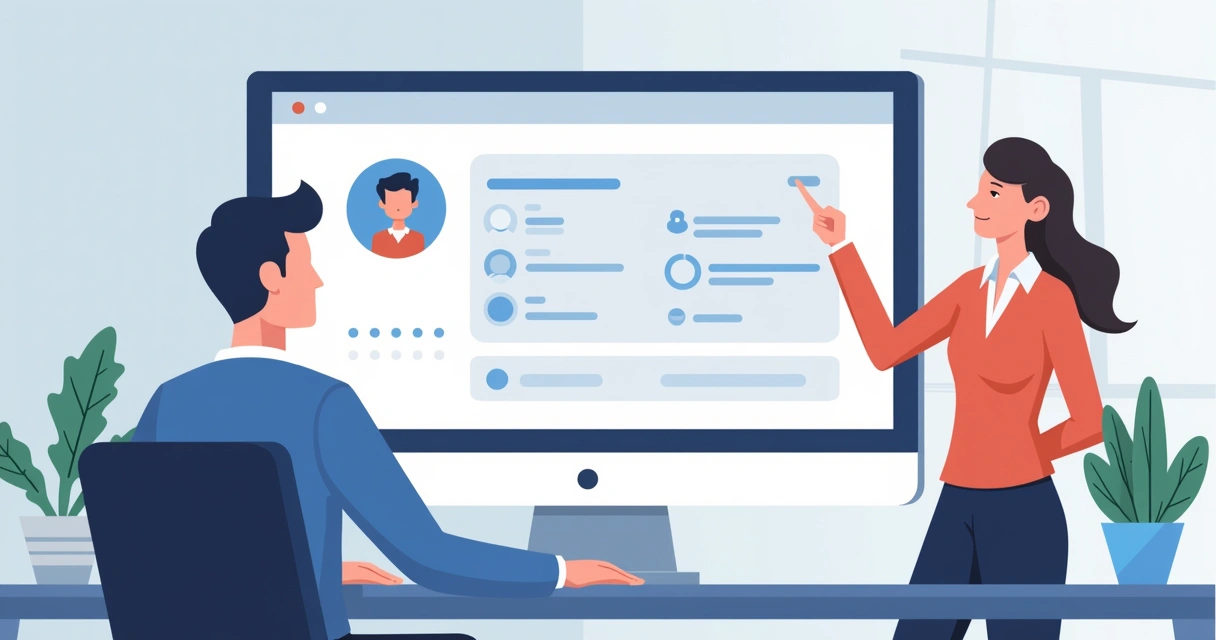 Adding profile meta helps agencies and businesses by transforming ordinary user listings into interactive directories, searchable by expertise or department. This flexibility comes baked into our work at André’s, setting us apart from off-the-shelf agency plugins.
Regular user audits: keeping your list clean and safe
It’s all too common for WordPress sites to accumulate old accounts—ex-staff, former freelancers, even unknown users with too many permissions. These orphaned accounts are a real risk. That’s why we focus on routine user audits for all clients. As highlighted in Harvard GSD Site Builder’s user management instructions, regularly cleaning up your user list increases both safety and clarity.
Here’s a typical audit process we recommend:
- Review all user accounts every 3–6 months.
- Check for inactive users—last login dates and activity matter.
- Remove or change permissions for ex-team members immediately.
- Document who has Administrator access—and reduce that list if possible.
- Keep your audit log for accountability and future reference.
We have seen agencies run into trouble by neglecting this. Sometimes, a forgotten user with admin powers creates chaos—breaking themes, or even exposing sensitive information. Our WordPress maintenance and security service is specifically designed to automate these checks and help business owners sleep well at night.
A well-maintained user list is your first defense.
While most plugins automate some notifications, in our direct experience, automated reminders and manual reviews together give you the best blend of control and peace of mind.
 User activity logs: knowing who did what and when
WordPress itself doesn’t track detailed user actions out of the box. For advanced teams, missing this record is risky. We’ve made it a habit to set up tailored user activity logging for high-value projects, especially when:
- Multiple editors or admins are making changes at once.
- Content approval and revision history matter (think regulatory compliance).
- You want to trace the root of accidental changes, deletions, or breakages.
In comparison, some larger WordPress management suites provide generic logs, but we customize ours for client needs and privacy, only tracking what’s necessary for your project. User activity logs not only help with security, but can also assist in training, accountability, and troubleshooting by providing a clear timeline of actions.
From plugin installations to post edits and settings changes, knowing what happened—and when—keeps teams efficient. We offer various ways of integrating these logs, depending on your need for detail, speed, and data privacy. For agencies, fast access to “what changed” often prevents small mistakes from snowballing into real business headaches.
User stats and engagement insights: seeing the bigger picture
Understanding how users engage with your site content, and with each other in the dashboard, helps you plan smarter. Tools like Jetpack, recommended by the City University of New York Commons guide, deliver site statistics right in the dashboard—but we often build customized reports in projects that require deeper or more actionable insight.
Here’s how advanced agencies and site owners benefit when user data becomes clear:
- Tracking the most active authors and editors to recognize and reward key contributors.
- Measuring which users drive the most page views or conversions.
- Spotting drop-offs where new contributors need extra support.
- Identifying unusual login activity to spot potential security threats.
We build solutions that aggregate this data, ensuring it is accurate and actionable, not just a cluttered dashboard. Our clients value clean, relevant metrics—especially when managing multiple sites or dozens of contributors. This focus on clarity stands in contrast to some competitors that overload clients with data and little context.
Why do advanced user features matter for agencies?
Harvard, Hawaii, and other institutions stress the benefits of strong role management, regular audits, and clear visibility over user actions,as detailed in the University of Hawaii’s WordPress guide. These advanced features support a structured, secure, and transparent site. Agencies and growing businesses need these tools more than almost anyone, and our long-term support ensures they are always working for you.
If you want more practical advice for agencies, our article on WordPress tips for marketing agencies includes more hands-on guidance about scaling management processes. For those looking to expand with tailored extensions, our explainer on WordPress custom plugins will show what’s possible.
Powerful user management means less chaos, more growth.
Take the next step with us
We believe that advanced user management is the backbone of every secure, high-performing WordPress site. Our expertise in going beyond basics—creating custom roles, rich user directories, clean audit trails, and actionable reports—helps agencies and digital businesses protect, control, and grow their online presence.
If your agency or business needs a partner who understands both the tech and the people behind your WordPress site, we invite you to discover how André’s WordPress Development Services can help you build, secure, and empower your team. Reach out for a conversation. The right user management system will transform how you work, and we’ll be there at every stage to make it happen.