





Content Summary
As a marketing agency, managing multiple client sites can be both rewarding and challenging. One of the key challenges is ensuring that each WordPress site is maintained effectively without overwhelming your team. Automating WordPress maintenance can significantly reduce manual workload, improve site performance, and enhance security across the board. In this article, we will explore how automating maintenance tasks impacts your agency’s efficiency and client satisfaction.
Understanding WordPress Maintenance Automation
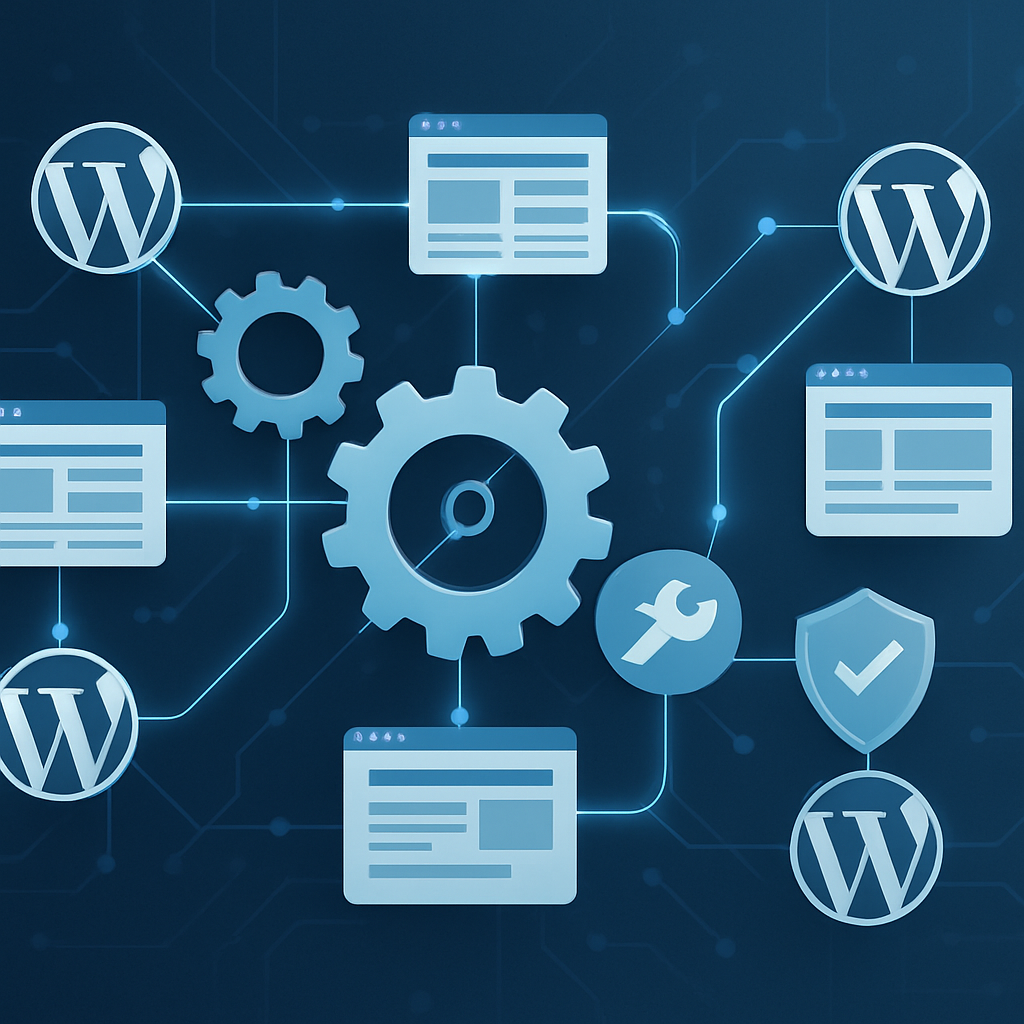
WordPress maintenance involves a range of tasks that keep a site running smoothly, including regular updates, backups, security checks, and performance optimizations. Automating these tasks means using tools and processes that minimize human intervention, allowing agencies to focus on higher-value activities. Here are key maintenance tasks that can be automated:
- Plugin and Theme Updates: Keeping plugins and themes updated is crucial for security and functionality.
- Backups: Regular backups ensure that you can restore a site quickly in the event of a failure.
- Security Scans: Automated security scans can identify vulnerabilities and malware threats.
- Performance Monitoring: Tools can track site speed and performance metrics, alerting you to issues.
- Database Optimization: Regular cleanup of the database helps maintain site speed and efficiency.
The Business Impact of Automation
For marketing agencies, automating WordPress maintenance can lead to several significant business benefits:
1. Improved Efficiency
By automating routine tasks, your team can allocate their time to strategic initiatives such as client acquisition and content creation. This not only improves productivity but also enhances job satisfaction among your staff.
2. Enhanced Client Satisfaction
Clients expect their websites to run smoothly. Automated maintenance ensures that sites are always updated, secure, and performing well, which leads to higher client satisfaction and retention rates.
3. Cost-Effectiveness
Reducing the time spent on manual maintenance tasks translates into cost savings. With automated processes, you can take on more clients without needing to proportionately increase your team size.
4. Proactive Issue Resolution
Automation can help in identifying and resolving issues before they affect site performance. This proactive approach minimizes downtime and enhances site reliability.
Tools and Strategies for Automating Maintenance
Several tools can help agencies automate WordPress maintenance effectively:
- ManageWP: This is a comprehensive management tool that allows you to manage multiple WordPress sites from a single dashboard, offering features like backups, performance checks, and updates.
- MainWP: An open-source alternative that provides similar management capabilities, allowing you to automate tasks across multiple sites.
- WP-CLI: For developers, WP-CLI enables command-line management of WordPress sites, allowing for bulk updates and automated scripts.
- Security Plugins: Plugins such as Wordfence or Sucuri can automate security scans, firewall configurations, and malware removal.
- Backup Solutions: Services like UpdraftPlus or BackupBuddy allow for automated backups with flexible scheduling options.
Best Practices for Implementing Automation
While automation can bring numerous benefits, it’s important to follow best practices to ensure effectiveness:
- Regularly Review Automated Processes: Periodically evaluate your automated tasks to ensure they are functioning correctly and adjust as necessary.
- Maintain a Backup Strategy: Always have a reliable backup process in place before implementing significant changes.
- Test Updates in a Staging Environment: Before applying updates to live sites, test them in a staging environment to avoid breaking changes.
- Educate Your Team: Ensure that your team understands how to use automation tools effectively and knows what to do in case of a failure.
Frequently Asked Questions
- What tasks can I automate for WordPress maintenance?
- You can automate plugin and theme updates, backups, security scans, performance monitoring, and database optimization.
- How does automation improve client satisfaction?
- Automation ensures that client sites are consistently updated and secure, leading to fewer issues and better performance.
- Are there any risks associated with automating WordPress maintenance?
- While automation reduces manual errors, it’s essential to monitor automated processes and regularly review them to ensure they are functioning properly.
- What tools are recommended for automating maintenance?
- Tools like ManageWP, MainWP, and WP-CLI are popular choices for automating WordPress maintenance tasks.
- Can automation save costs for my agency?
- Yes, by reducing the time spent on routine tasks, automation allows your agency to take on more clients without increasing overhead.
Conclusion
Automating WordPress maintenance is not just a technical improvement; it is a strategic business decision for marketing agencies managing multiple client sites. By adopting automation tools and practices, agencies can enhance efficiency, boost client satisfaction, and ultimately drive profitability. As the digital landscape continues to evolve, investing in automation will position your agency for sustained success.








