
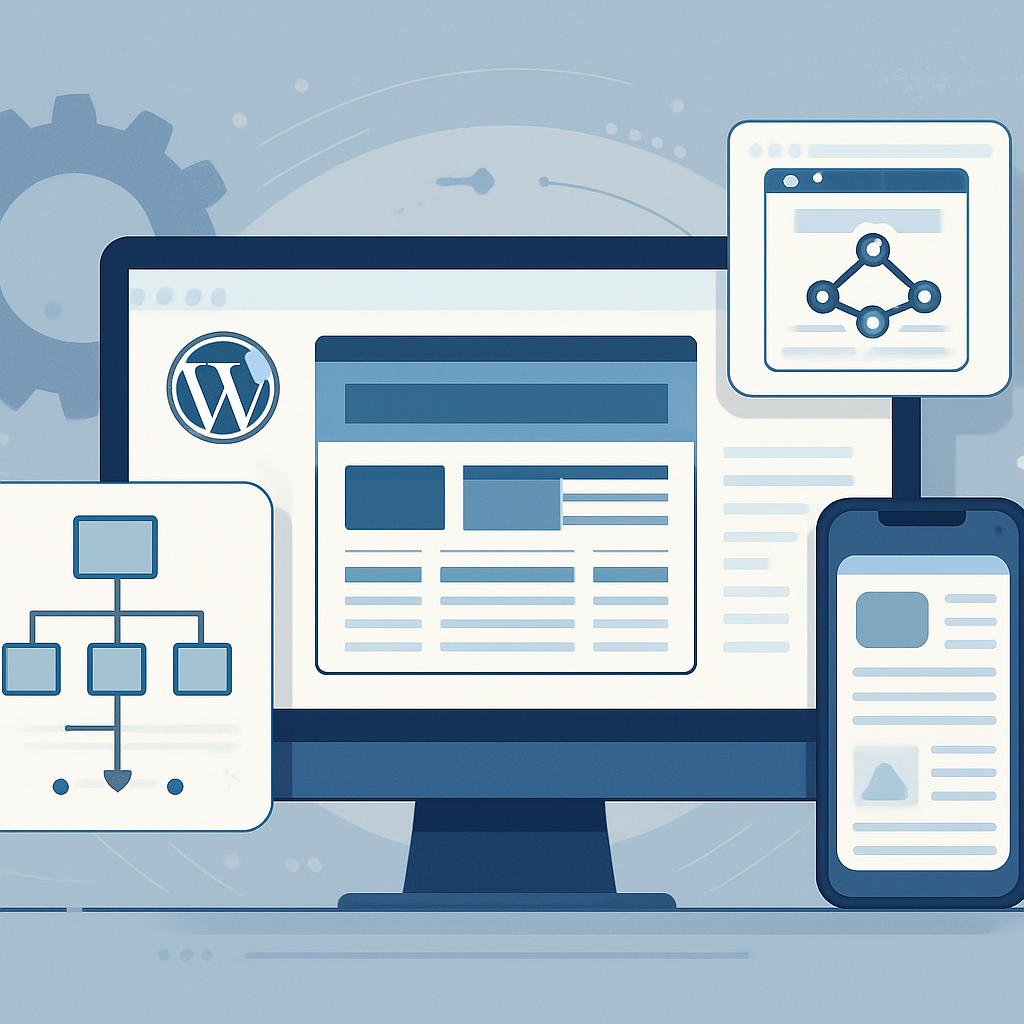






In the competitive landscape of online business, ensuring your WordPress site is optimized for search engines is paramount. However, traditional SEO practices often overlook scalability and long-term maintenance. This article discusses how to integrate scalable technical SEO strategies into your WordPress projects, allowing for sustained growth and adaptability.
Understanding Technical SEO in WordPress
Technical SEO refers to optimizing your website’s infrastructure to help search engines effectively crawl, index, and understand your content. For WordPress developers, this means not only implementing best practices but also ensuring that changes can be made easily as your site grows.
Why Scalability Matters
Scalability in SEO allows your website to adapt to increasing traffic and evolving search engine algorithms without compromising performance or user experience. A scalable approach ensures that your SEO strategies can evolve alongside your business needs.
Key Technical SEO Strategies for WordPress
1. Optimize Your Site Structure
A well-structured site helps search engines crawl your content efficiently. Consider the following:
- Hierarchical Menu: Organize your content into categories and subcategories.
- XML Sitemap: Use plugins like Yoast SEO to generate a sitemap automatically, making it easier for search engines to find all your pages.
- Breadcrumbs: Implement breadcrumbs for better navigation, improving user experience and SEO.
2. Implement Schema Markup
Schema markup enhances your search listings, providing additional context to search engines. This is particularly useful for e-commerce sites, blogs, and local businesses. Use plugins like Schema Pro to manage your markup easily.
3. Improve Mobile Responsiveness
With mobile-first indexing, ensuring your site is responsive is crucial. Use responsive themes and conduct regular testing with tools like Google’s Mobile-Friendly Test.
4. Optimize Site Speed
A fast-loading site is essential for both user experience and SEO. Consider the following optimizations:
- Image Optimization: Use tools like Smush or ShortPixel to compress images without losing quality.
- Minification: Minify CSS, JavaScript, and HTML using plugins like Autoptimize.
- Caching: Implement caching solutions such as WP Super Cache or W3 Total Cache to speed up load times.
5. Regular Monitoring and Maintenance
Set up regular audits to ensure your site remains optimized. Use tools like Google Search Console and Ahrefs to monitor performance and identify issues such as broken links or crawl errors.
Long-Term Maintenance Considerations
As your website grows, it is vital to revisit your SEO strategies. Regularly update your content, optimize old posts, and ensure that your technical foundations remain robust.
Advantages of a Scalable SEO Strategy
- Future-Proofing: Adapting to new algorithms and technologies becomes easier.
- Enhanced User Experience: A well-maintained site structure improves navigation and engagement.
- Consistent Ranking Improvements: Ongoing optimization leads to sustained visibility in search results.
Disadvantages to Consider
- Initial Time Investment: Setting up a scalable SEO strategy requires time and effort upfront.
- Ongoing Learning Curve: Staying updated with SEO trends and best practices is essential and can be demanding.
Conclusion
Implementing scalable technical SEO strategies in your WordPress projects is not just about immediate gains; it’s about building a foundation for long-term success. By focusing on site structure, schema markup, mobile responsiveness, site speed, and regular maintenance, you can ensure that your site remains competitive and continues to grow with your business.
Frequently Asked Questions
- What is technical SEO?
- Technical SEO involves optimizing your website’s infrastructure to help search engines crawl and index your site effectively.
- Why is scalability important in SEO?
- Scalability allows your website to adapt to increasing traffic and changing search engine algorithms without compromising performance.
- How can I improve my site’s loading speed?
- Optimize images, implement caching solutions, and minify CSS, JavaScript, and HTML code.
- What is schema markup?
- Schema markup is code that you add to your site to help search engines understand your content better, potentially enhancing your search listings.
- How often should I audit my website for SEO?
- Regular audits are recommended at least quarterly to identify and address any issues that may affect your SEO performance.
- Can plugins help with technical SEO in WordPress?
- Yes, many plugins are specifically designed to assist with technical SEO tasks, such as Yoast SEO, Schema Pro, and caching plugins.








