
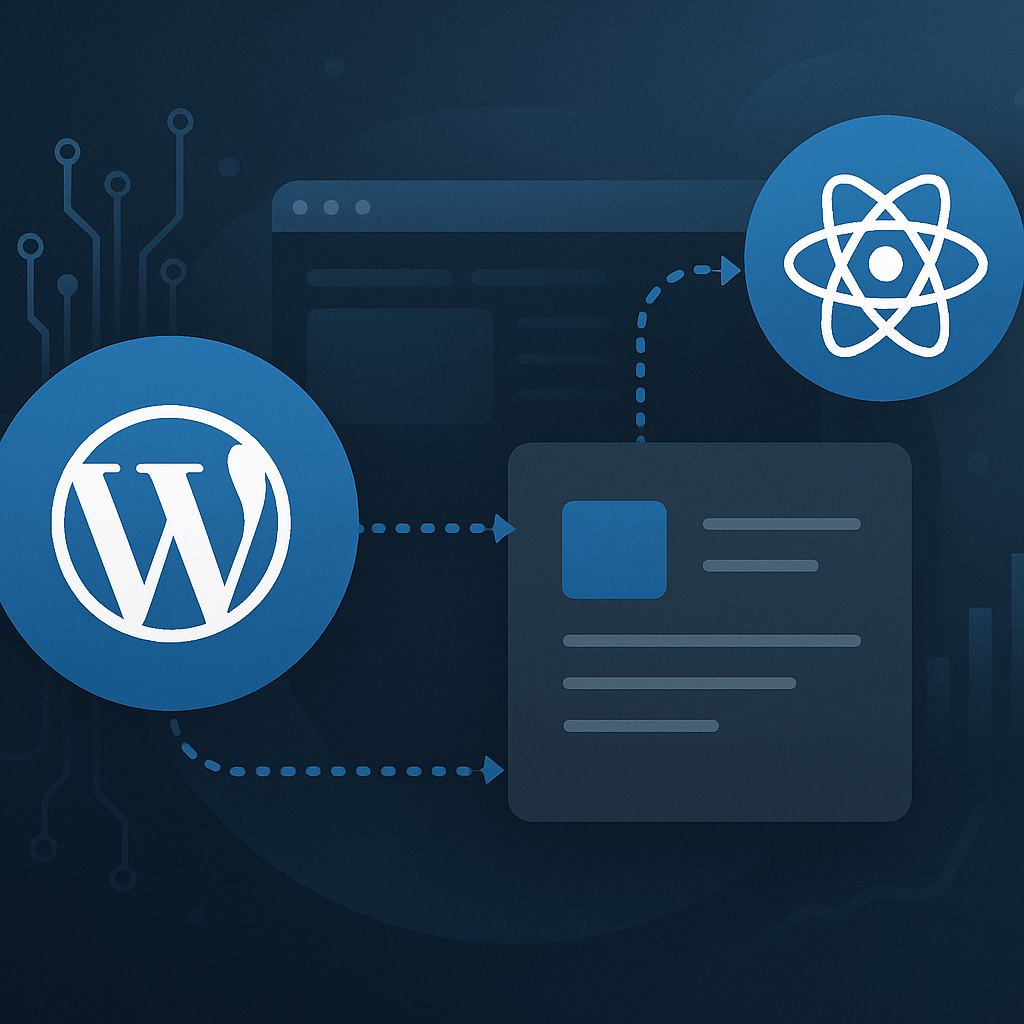






Headless WordPress is transforming the way developers and businesses approach content management and delivery. By decoupling the front end from the back end, you can leverage the strengths of WordPress while utilizing modern technologies to create highly interactive and performant user experiences. In this article, we will explore a strategic implementation strategy for headless WordPress, complete with a lightweight technical checklist.
Understanding Headless WordPress
Headless WordPress means using WordPress solely as a content management system (CMS) while the front end is built using a separate technology stack. This strategy allows developers to use frameworks like React, Vue, or Angular to create engaging user interfaces that can consume content via the WordPress REST API.
Advantages of Headless WordPress
- Flexibility: Choose any technology for the front end without being constrained by WordPress themes.
- Performance: By serving content through APIs, you can optimize performance through static site generation or server-side rendering.
- Scalability: Easily scale the front-end application independently from the backend, allowing for faster load times and better user experiences.
- Security: Reducing the attack surface by separating the front end from the WordPress back end can enhance security.
Implementing a Headless WordPress Strategy
Step 1: Define Your Goals
Before diving in, clarify your objectives. Are you looking to improve performance, user experience, or development flexibility? Understanding your goals will guide your implementation approach.
Step 2: Choose the Right Technology Stack
Your choice of front-end technology is crucial. Popular options include:
- React: A powerful library for building user interfaces.
- Vue.js: Known for its simplicity and performance.
- Angular: A comprehensive framework for building dynamic web applications.
Step 3: Set Up Your WordPress Environment
Ensure that your WordPress installation is optimized:
- Update to the latest version of WordPress.
- Install necessary plugins (e.g., REST API plugin if not enabled by default).
- Implement security measures like SSL, firewalls, and regular backups.
Step 4: Create API Endpoints
Utilize the WordPress REST API to expose content. You may want to create custom endpoints for specific data needs:
- Identify data types (posts, pages, custom post types).
- Build custom endpoints if necessary.
- Test endpoints using tools like Postman.
Step 5: Develop Your Front End
Leverage the chosen front-end framework to build your application. Connect to the WordPress REST API to fetch content. Key considerations include:
- State management (using Redux for React, Vuex for Vue.js).
- Routing and navigation.
- Responsive design considerations.
Step 6: Optimize for Performance
Focus on loading speed and responsiveness:
- Implement lazy loading for images and components.
- Minimize API calls by caching data.
- Use CDNs to serve static assets.
Step 7: Testing and Deployment
Conduct thorough testing of both the backend and frontend:
- Automated testing for APIs and UI.
- Performance testing using tools like Lighthouse.
- Deployment strategies (CI/CD pipelines).
Technical Checklist for Headless Implementation
| Task | Status |
|---|---|
| Define goals for headless implementation | |
| Choose front-end framework | |
| Set up WordPress environment | |
| Create REST API endpoints | |
| Develop front end | |
| Optimize performance | |
| Testing and deployment |
Frequently Asked Questions
- What is headless WordPress?
- Headless WordPress refers to using WordPress only as a CMS, while the front end is developed using separate technologies, often consuming content via the WordPress REST API.
- What are the benefits of headless WordPress?
- Benefits include improved performance, flexibility in choosing technology stacks, scalability, and enhanced security.
- Can I still use WordPress plugins with a headless setup?
- Yes, you can still use plugins for backend functionality, but you may need to find alternatives for certain frontend functionalities as they may not work directly.
- Is headless WordPress suitable for all types of websites?
- While headless WordPress offers significant benefits for dynamic and high-traffic sites, simpler sites may not need the added complexity.
- How does a headless setup affect SEO?
- SEO can be positively affected if the site is optimized for performance and user experience. However, careful attention must be given to how content is delivered and indexed.
- What technologies are commonly used with headless WordPress?
- Common technologies include React, Vue.js, Angular, and static site generators like Gatsby.
- What challenges might I face with headless WordPress?
- Challenges can include increased complexity, the need for more development resources, and potential difficulties in managing SEO.
- How can I ensure security in a headless WordPress setup?
- Implement security measures such as using SSL, applying security plugins, and regularly updating both WordPress and your front-end technologies.
Conclusion
Implementing a headless WordPress strategy can significantly enhance the flexibility, performance, and security of your website. By following this outlined strategy and checklist, you can create a robust setup that meets the demands of modern web applications. As you embark on this journey, ensure that you continuously monitor and optimize your implementation to keep pace with evolving technology and user expectations.








