
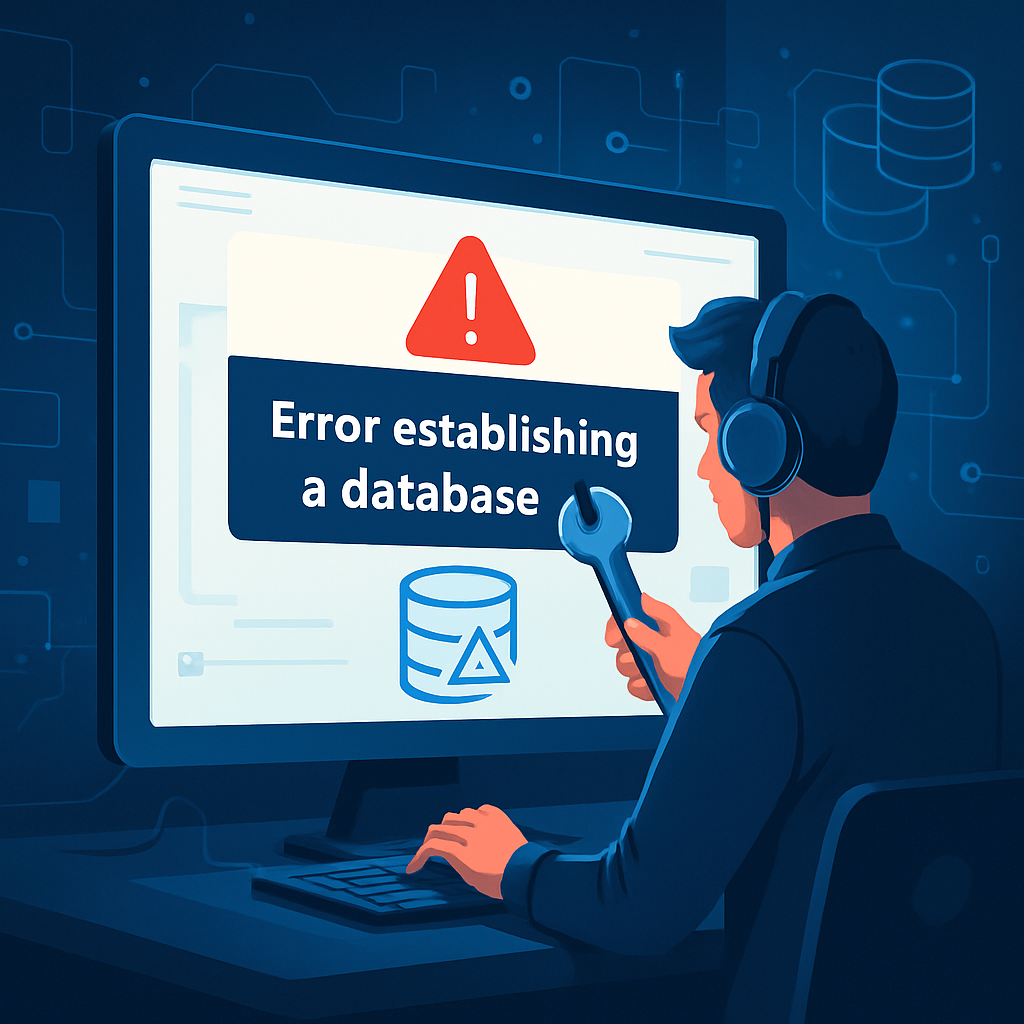






The ‘Error Establishing a Database Connection’ is one of the most common issues WordPress users encounter. This error indicates that your WordPress site is unable to connect to the database, which is essential for retrieving and storing your site’s data. In this article, we will explore the potential causes of this error and provide step-by-step solutions to resolve it.
Common Causes of the Database Connection Error
- Incorrect Database Credentials: If your database username, password, or hostname is incorrect, WordPress will not be able to connect.
- Database Server Issues: Sometimes, the database server may be down or experiencing issues.
- Corrupted Database: If the database becomes corrupted, it can lead to connection problems.
- Exceeding Database Limits: Hosting providers often impose limits on database connections.
Step-by-Step Solutions
1. Check Your wp-config.php File
The first step is to verify your database credentials in the wp-config.php file. This file is located in the root directory of your WordPress installation. Open the file and look for the following lines:
define('DB_NAME', 'database_name_here');
define('DB_USER', 'username_here');
define('DB_PASSWORD', 'password_here');
define('DB_HOST', 'localhost');
Ensure that the database name, username, password, and host are correct. You can check these details in your hosting account’s database management tool.
2. Verify Your Database Server
If your credentials are correct, the next step is to check if your database server is operational. You can do this via your hosting provider’s control panel or by contacting their support. If the server is down, you will need to wait until it is restored.
3. Repair Your Database
If the database is corrupted, you can attempt to repair it. Add the following line to your wp-config.php file:
define('WP_ALLOW_REPAIR', true);Then, visit http://yoursite.com/wp-admin/maint/repair.php. Follow the on-screen instructions to repair your database. Remember to remove the repair line from your configuration file after completion.
4. Check for Hosting Limitations
If your website is experiencing high traffic, you may be exceeding your database connection limits. Contact your hosting provider to check if you are hitting any limits and consider upgrading your plan if necessary.
Conclusion
The ‘Error Establishing a Database Connection’ can be frustrating, but with the right steps, it can be resolved quickly. Always ensure your database credentials are accurate, check the server status, and maintain your database health. If issues persist, do not hesitate to reach out to your hosting provider for further assistance.
For more WordPress troubleshooting tips and resources, visit WordPress Support.
Leave a Reply