
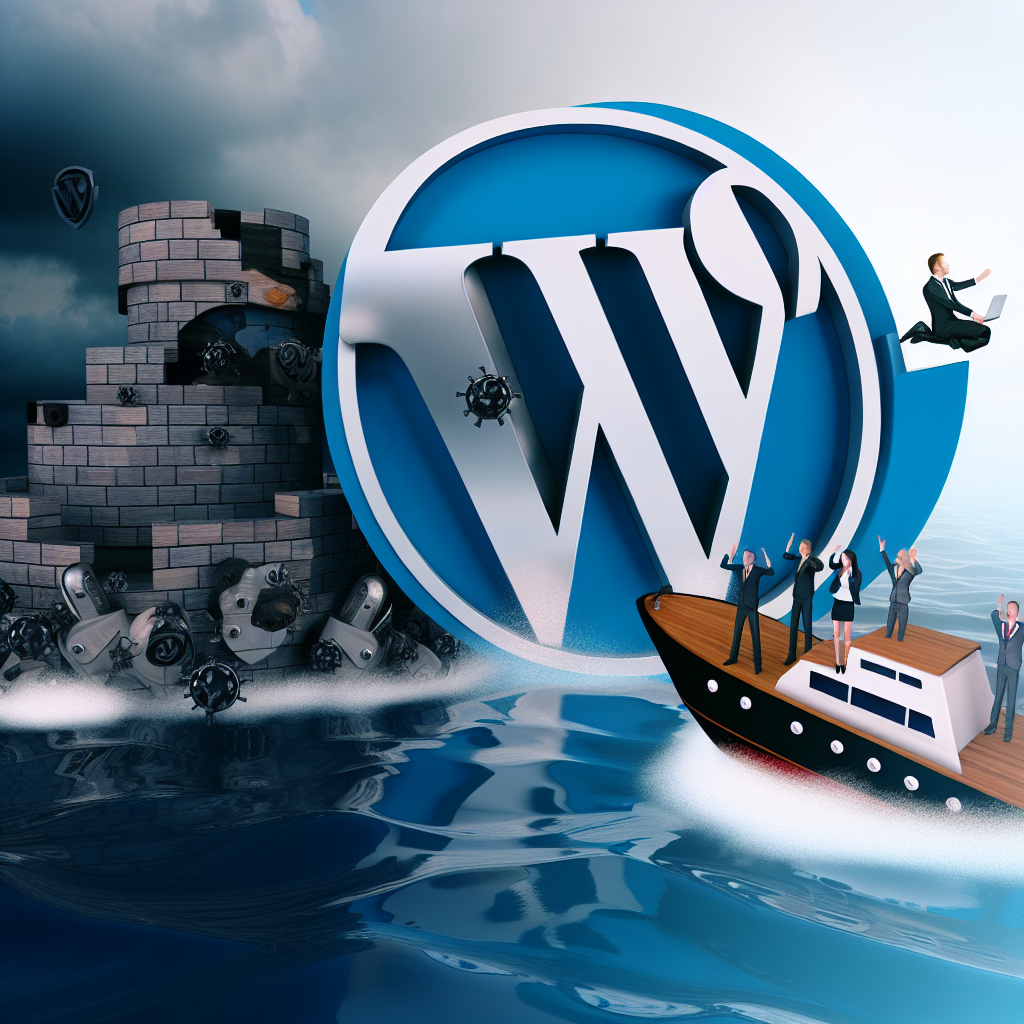






In the rapidly evolving digital landscape, the significance of WordPress security cannot be overstated, especially for marketing agencies that handle sensitive client data. Navigating complex WordPress security challenges is not merely a technical requirement; it is a crucial business strategy that can significantly enhance client trust and retention. With rising cyber threats and data breaches becoming increasingly common, agencies must prioritize the security of their WordPress sites to protect client information and maintain credibility in a competitive market.
As a WordPress developer, understanding the intricacies of securing WordPress installations allows you to implement effective strategies that mitigate risks and foster long-term relationships with clients. This comprehensive guide will delve into essential strategies for marketing agencies, equipping you with the knowledge to fortify your clients’ WordPress sites and enhance overall trust. By mastering these techniques, you not only protect your client’s data but also position your agency as a reliable partner in their digital journey, ultimately driving business growth and success.
Understanding the WordPress Security Landscape
The first step in developing a robust security framework for your clients’ WordPress sites is understanding the common vulnerabilities and threats present in the WordPress ecosystem. As an open-source platform, WordPress is highly customizable, which unfortunately makes it a target for various cyberattacks. Some of the most prevalent security threats include:
- Brute Force Attacks: Hackers attempt to gain access by systematically guessing passwords.
- SQL Injection: Malicious users inject code into SQL queries to manipulate databases.
- XSS (Cross-Site Scripting): Attackers inject scripts into web pages viewed by users, potentially stealing cookies or session tokens.
- Plugin Vulnerabilities: Insecure plugins can serve as entry points for attackers.
To effectively combat these threats, agencies must adopt a proactive security approach that encompasses several layers of protection, including monitoring, regular updates, and setting strong permissions. Additionally, understanding the underlying architecture of WordPress and its security features is essential for implementing effective strategies.
Implementing Strong User Authentication Practices
A critical aspect of WordPress security involves ensuring that user authentication is robust and secure. Weak passwords and improper user roles can lead to unauthorized access and data breaches. Here are some essential strategies for enhancing user authentication:
- Enforce Strong Password Policies: Require users to create complex passwords that include a combination of uppercase letters, lowercase letters, numbers, and special characters. Utilize plugins like WP Password Policy Manager to enforce these policies.
- Two-Factor Authentication: Implement two-factor authentication (2FA) to add an extra layer of security. Plugins like Google Authenticator can facilitate this process.
- Limit Login Attempts: Use plugins such as Limit Login Attempts Reloaded to prevent brute force attacks by limiting the number of login attempts from a single IP address.
- User Role Management: Ensure that users have the least privileges necessary for their roles. Regularly review user roles and permissions to avoid potential security loopholes.
By implementing these user authentication best practices, marketing agencies can significantly reduce the risk of unauthorized access and enhance the overall security posture of their clients’ WordPress sites.
Regular Updates and Maintenance of WordPress Core, Themes, and Plugins
Keeping WordPress installations, themes, and plugins up-to-date is vital for maintaining security. Each update often includes patches for known vulnerabilities, bug fixes, and new features that enhance the performance and security of the site. Here are some best practices to follow:
- Automated Updates: Enable automatic updates for WordPress core, themes, and plugins to ensure that your clients are always running the latest versions. This can be configured in the
wp-config.phpfile:
define('WP_AUTO_UPDATE_CORE', true);- Regular Backups: Schedule regular backups using plugins like UpdraftPlus. This ensures that you can quickly restore the site in case of a security breach or data loss.
- Testing Updates: Before applying updates on a live site, test them in a staging environment to prevent compatibility issues.
By maintaining regular updates and performing diligent site maintenance, marketing agencies can effectively safeguard client data and mitigate the risks associated with outdated software.
Utilizing Security Plugins for Enhanced Protection
WordPress security plugins play a pivotal role in fortifying your clients’ sites against various threats. These plugins offer a range of functionalities, from firewalls to malware scanning, ensuring comprehensive protection. Some recommended security plugins include:
- Wordfence Security: A comprehensive security solution that includes a firewall, malware scanner, and login security features.
- iThemes Security: Provides over 30 ways to secure a WordPress site, including two-factor authentication, password expiration, and file change detection.
- Sucuri Security: Offers security activity auditing, file integrity monitoring, and malware scanning.
When selecting security plugins, consider the specific needs of your clients’ sites and the level of protection required. Always ensure that the chosen plugins are regularly updated and from reputable sources.
Implementing SSL Certificates for Data Encryption
Securing client data during transmission is paramount in today’s digital landscape. Implementing SSL certificates not only encrypts data exchanged between the user’s browser and the server but also enhances trust by displaying a secure padlock in the browser’s address bar. Here’s how to implement SSL on a WordPress site:
- Choose a Reliable SSL Provider: Select an SSL provider that suits your needs. Many hosting providers offer free SSL certificates through services like Let’s Encrypt.
- Install the SSL Certificate: Follow your hosting provider’s instructions to install the SSL certificate on your server.
- Update WordPress Settings: After installing the SSL certificate, update the WordPress Address (URL) and Site Address (URL) in the WordPress settings from
http://tohttps://. - Redirect HTTP to HTTPS: Implement 301 redirects to ensure all traffic is directed to the secured version of your site. This can be done by adding the following lines to your
.htaccessfile:
RewriteEngine On
RewriteCond %{HTTPS} off
RewriteRule ^(.*)$ https://%{HTTP_HOST}%{REQUEST_URI} [L,R=301]
By implementing SSL certificates, marketing agencies not only enhance security but also improve SEO rankings, as search engines prioritize secure sites.
Monitoring and Auditing for Continuous Improvement
The final piece of a comprehensive WordPress security strategy involves ongoing monitoring and auditing of your clients’ sites. Regularly reviewing security logs and conducting vulnerability assessments can help identify potential security gaps. Here are some best practices:
- Regular Security Audits: Conduct routine checks of site security settings, user permissions, and plugin vulnerabilities.
- Monitoring Security Logs: Use security plugins to monitor login attempts, file changes, and other significant activities that could indicate a security breach.
- Incident Response Plan: Develop a clear incident response plan to follow in case of a security breach. This plan should outline steps for identifying, containing, and remediating the issue.
By actively monitoring and auditing your clients’ WordPress sites, you can ensure that security measures remain effective and adapt to emerging threats.
Frequently Asked Questions
What are the most common security threats to WordPress sites?
The most common security threats to WordPress sites include brute force attacks, SQL injection, and cross-site scripting (XSS). Brute force attacks involve hackers attempting to guess passwords, while SQL injection allows attackers to manipulate databases. XSS entails injecting malicious scripts into web pages. Understanding these threats is essential for implementing effective security measures.
How often should I update WordPress, themes, and plugins?
It is recommended to update WordPress core, themes, and plugins as soon as updates are available. Enabling automatic updates can help ensure that your clients’ sites are always protected against known vulnerabilities. Regular maintenance checks should also be performed to verify that all components are functioning correctly.
What is the importance of SSL certificates for WordPress sites?
SSL certificates encrypt data transmitted between a user’s browser and the server, ensuring sensitive information is protected. Additionally, having an SSL certificate enhances trust with users and can improve search engine rankings, making it a crucial component of a comprehensive security strategy.
Can security plugins fully protect my WordPress site?
While security plugins significantly enhance the security of WordPress sites, they cannot provide complete protection on their own. A multi-layered security approach—encompassing strong user authentication, regular updates, SSL implementation, and ongoing monitoring—is necessary to effectively safeguard against various threats.
What should I do if my WordPress site is hacked?
If your WordPress site is hacked, it is essential to act quickly. Begin by changing all passwords and implementing security measures to prevent further unauthorized access. Restore your site from a clean backup, conduct a thorough security audit, and consider hiring a professional service if necessary. Having an incident response plan in place can streamline this process.
Conclusion
Navigating complex WordPress security challenges is an essential aspect of running a successful marketing agency. By implementing strong user authentication practices, regular updates, SSL certificates, and effective monitoring, agencies can protect client data, enhance trust, and ultimately drive business success. The importance of a robust security framework cannot be overlooked, as it serves as the foundation for building long-term relationships with clients.
If you are looking for a skilled WordPress developer to help you implement these essential strategies for your clients, I am here to assist. With extensive experience in WordPress security and a commitment to delivering high-quality solutions, I can help you safeguard your clients’ sites effectively. Contact me today to discuss your development projects and enhance your agency’s offerings.